
Settings Overview
Configure Livebound’s local behaviour, sources, metadata, models, CivitAI, LLMs, and archive.
Settings are grouped by the part of Livebound they affect.
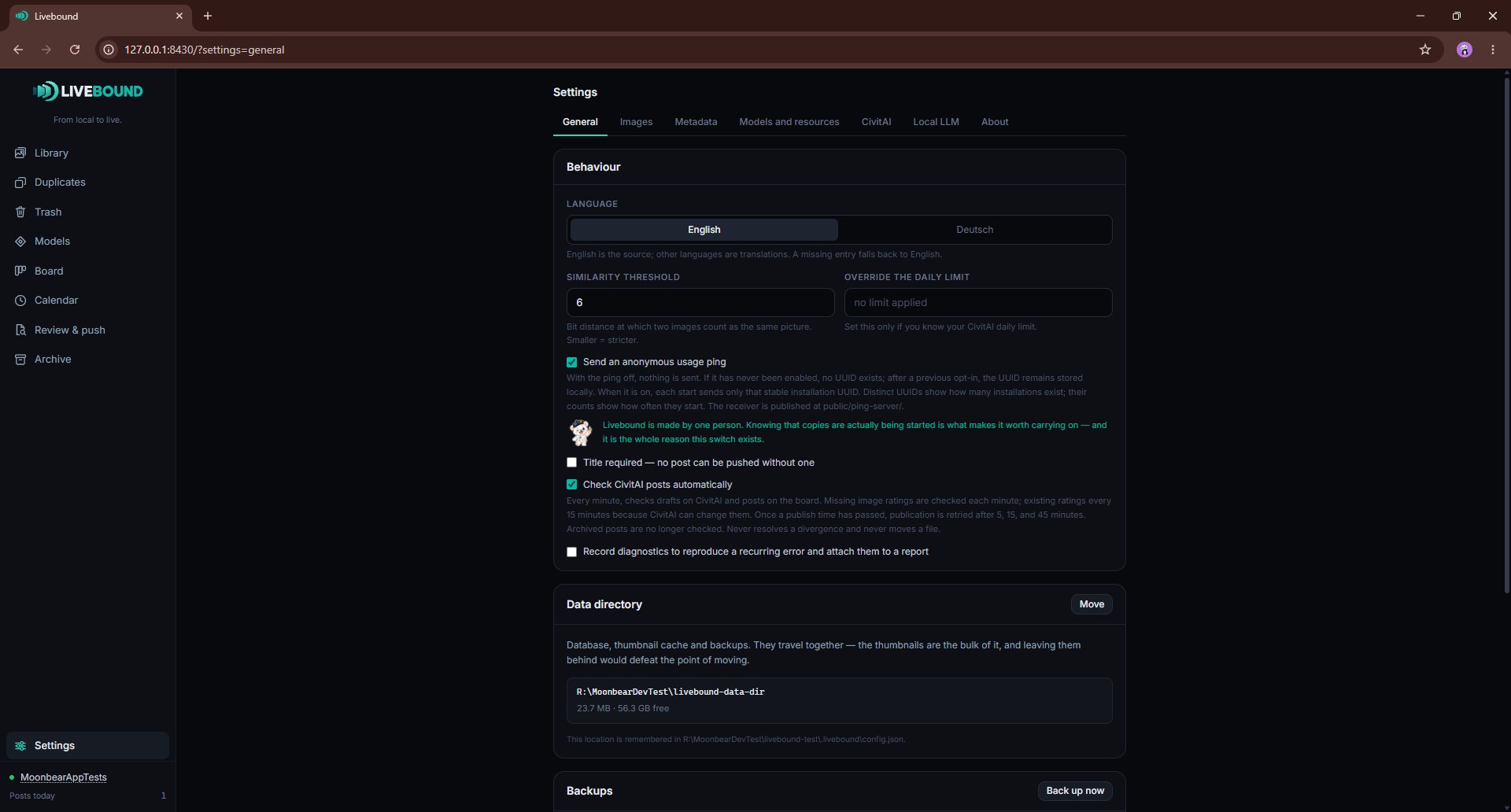
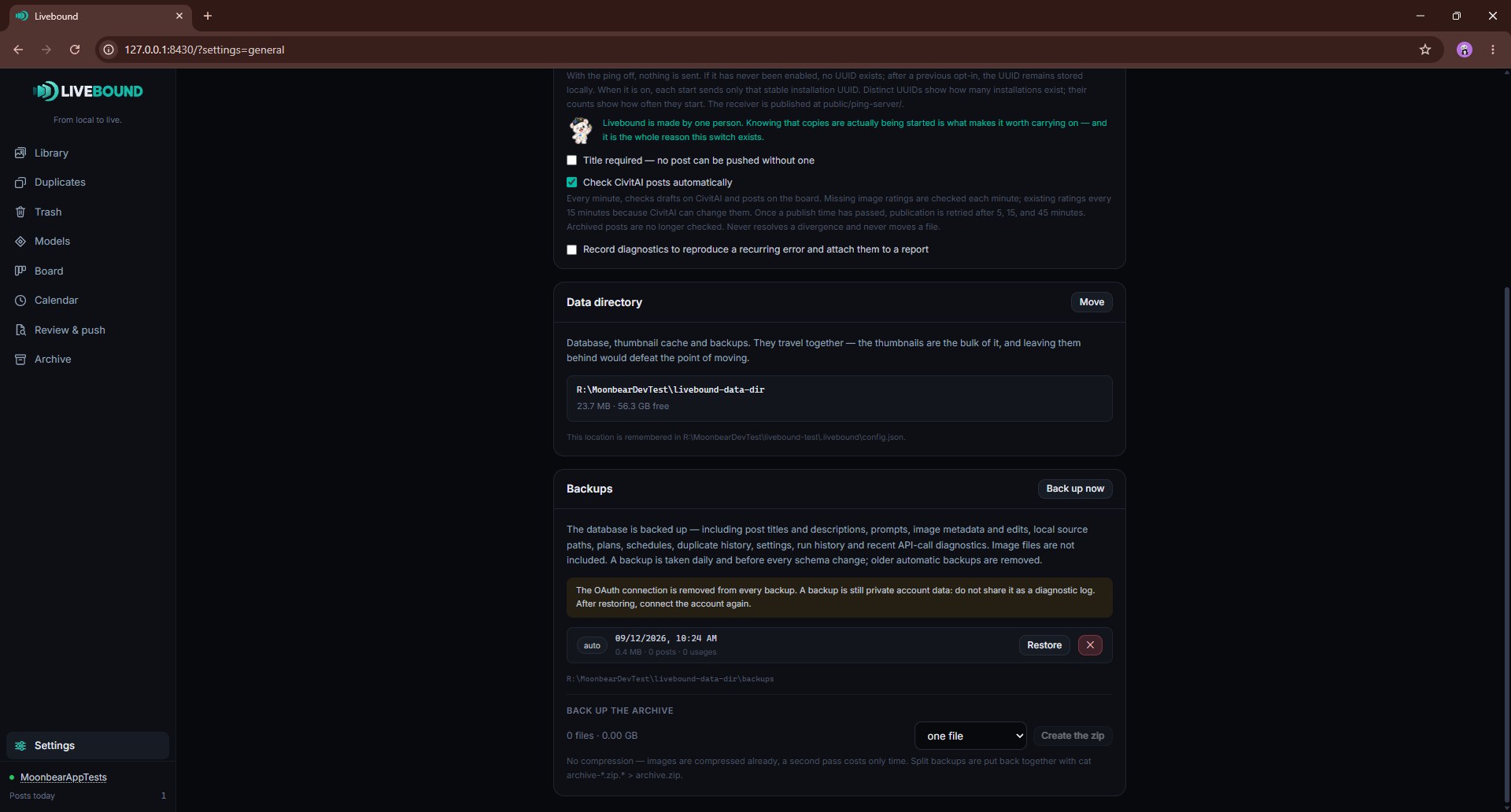
General
Use General settings for application behaviour, the data directory, backups, diagnostics, language, a local daily-post planning limit, and the optional usage ping.
The daily limit is Livebound’s own planning aid. It does not override CivitAI’s server-side limits.
Moving the Livebound data directory moves the application database, thumbnails and backups together. Source images are not part of that move.
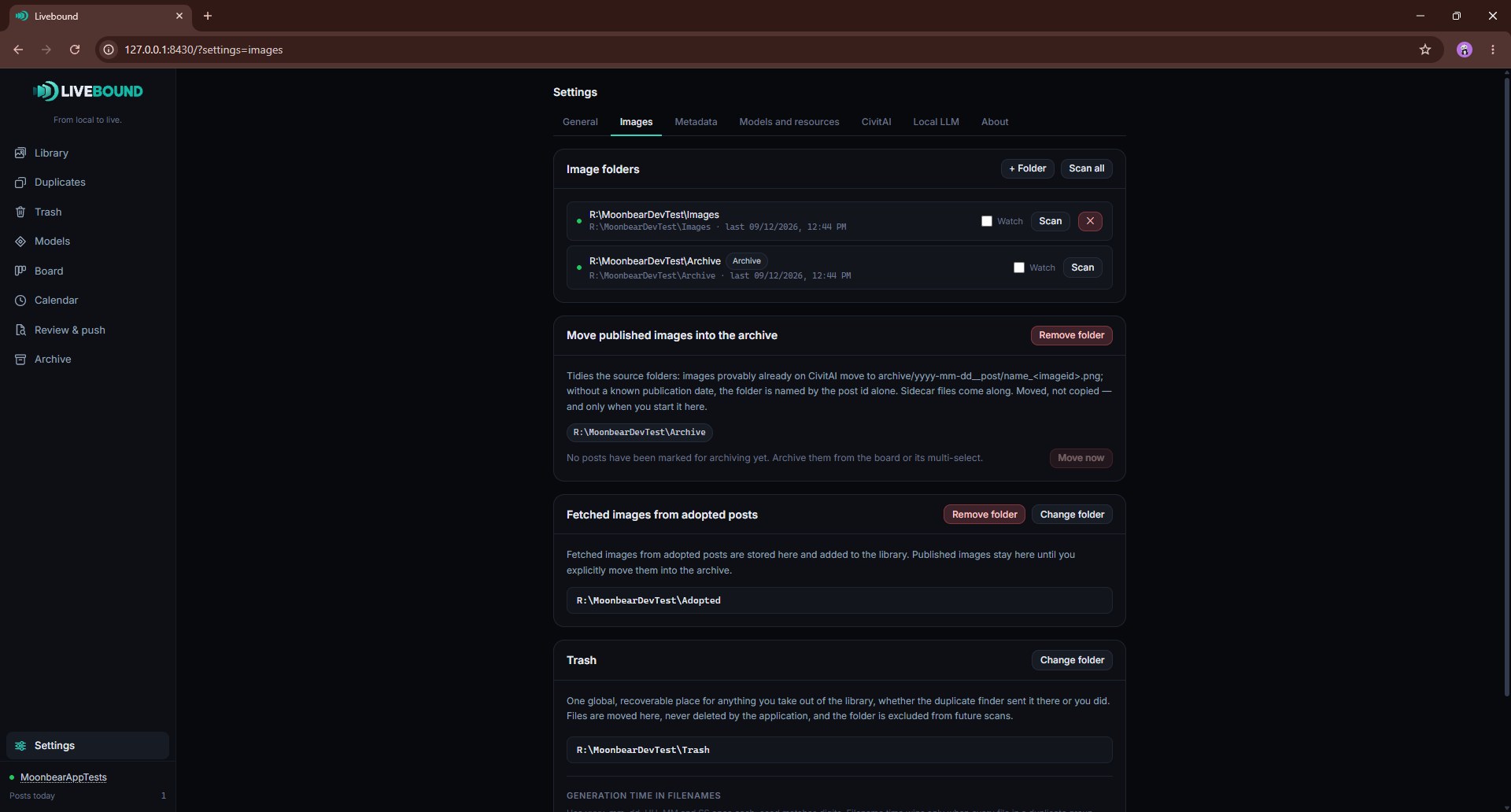
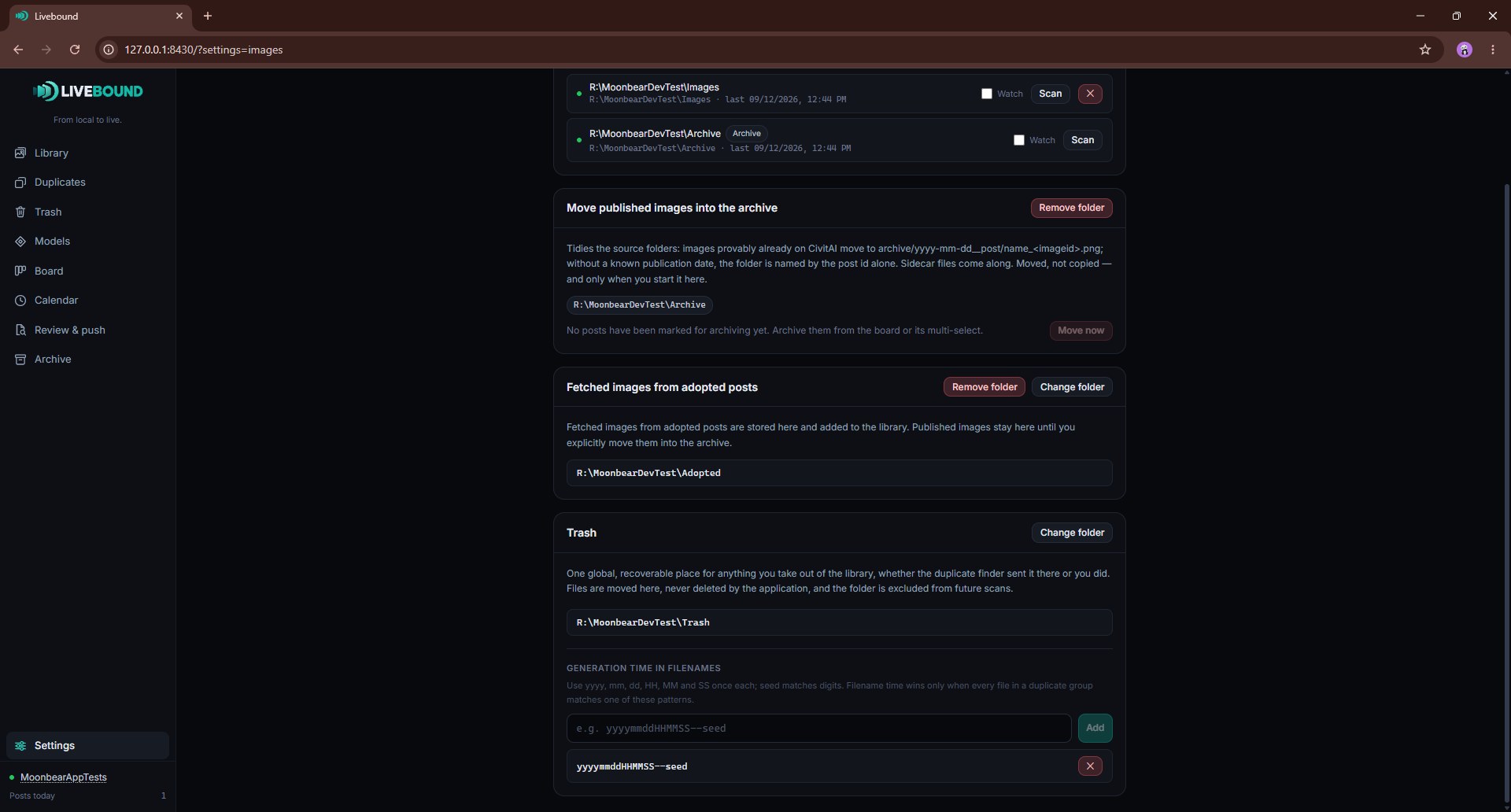
Images
Manage:
- Library source folders;
- per-source Watch scanning;
- the archive folder;
- the adopted-images folder;
- the recoverable trash folder;
- optional generation-time filename patterns used when reviewing duplicate groups.
These locations have different purposes and should not overlap accidentally.
Metadata
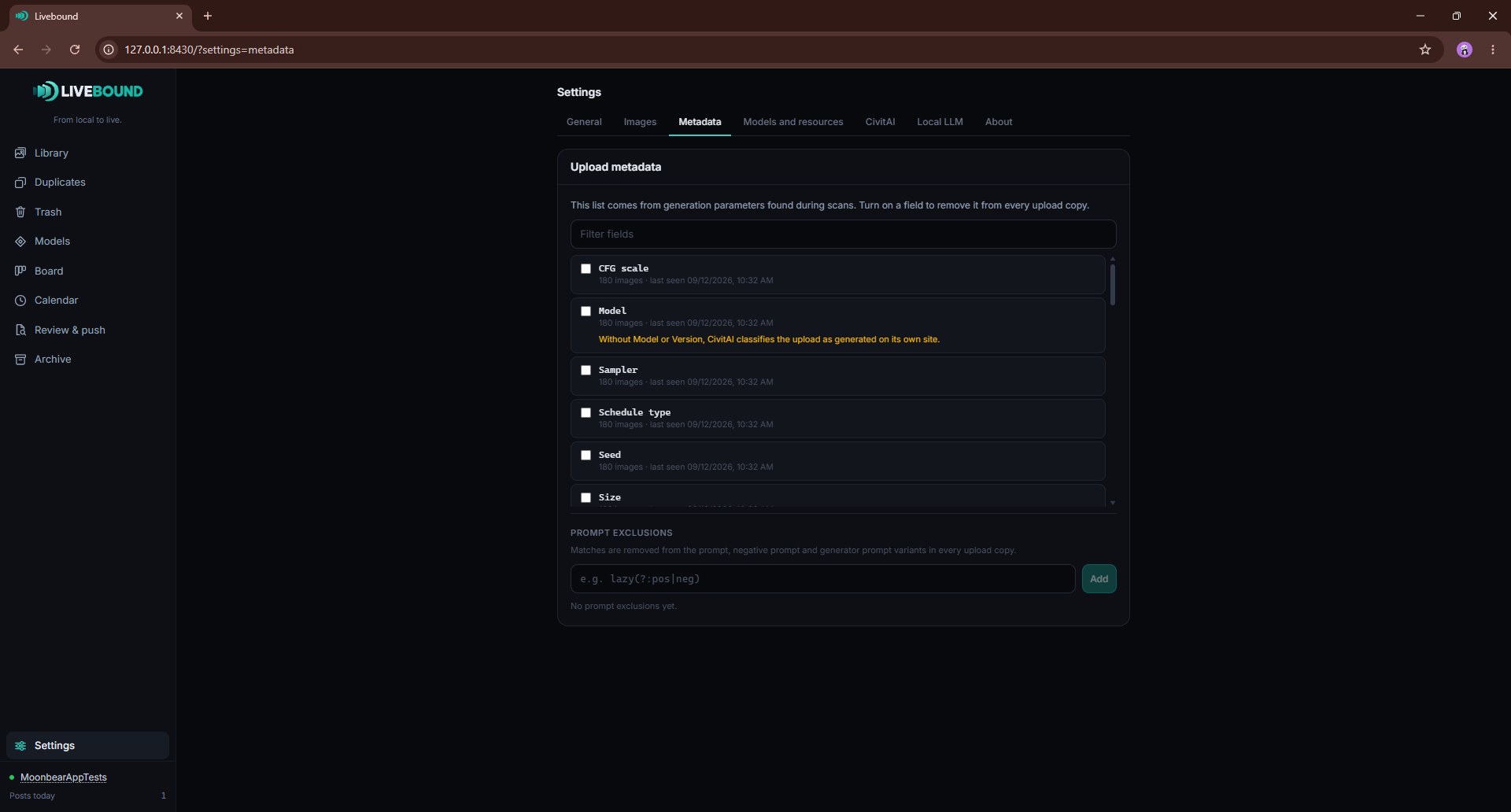
Choose upload metadata fields to exclude and maintain prompt-exclusion patterns. The list of fields grows from generation parameters Livebound has encountered during scans.
Models and resources
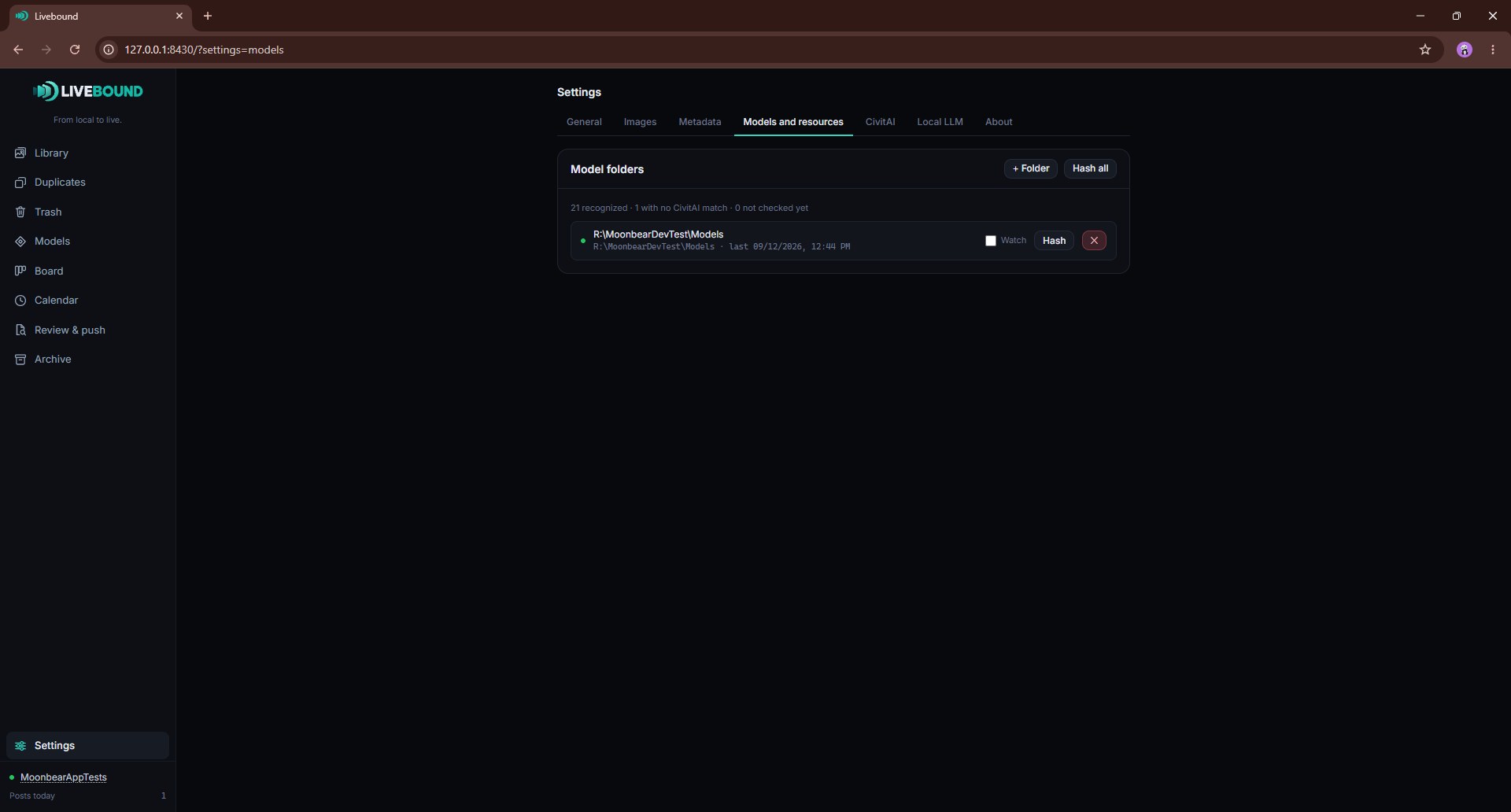
Configure local model directories, scan their inventory, and review CivitAI identity for local resources.
CivitAI
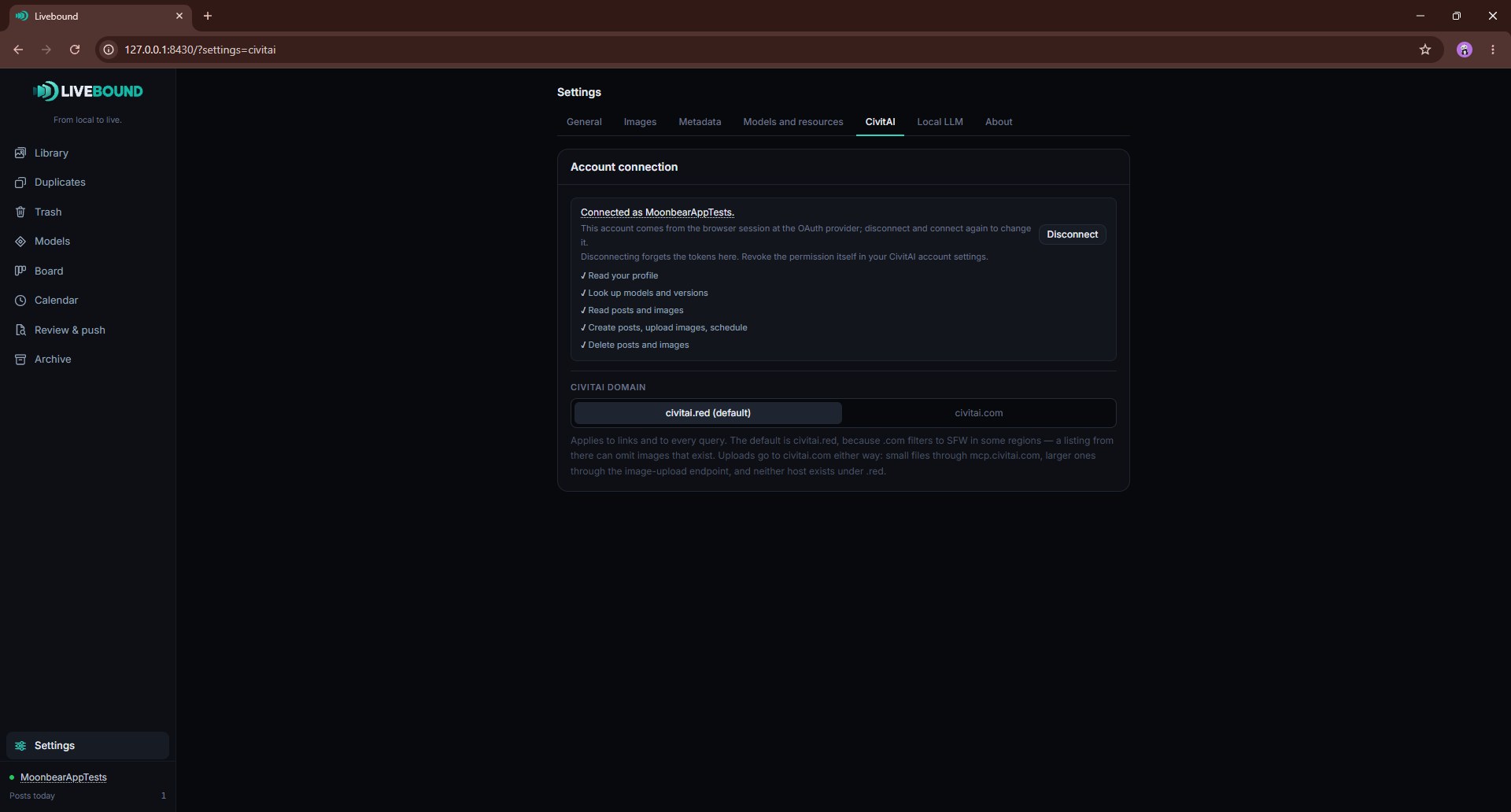
Connect or disconnect the OAuth account and review the current connection. Disconnecting forgets Livebound’s local tokens; revoking an application’s authorization is done in the CivitAI account itself.
Local language model
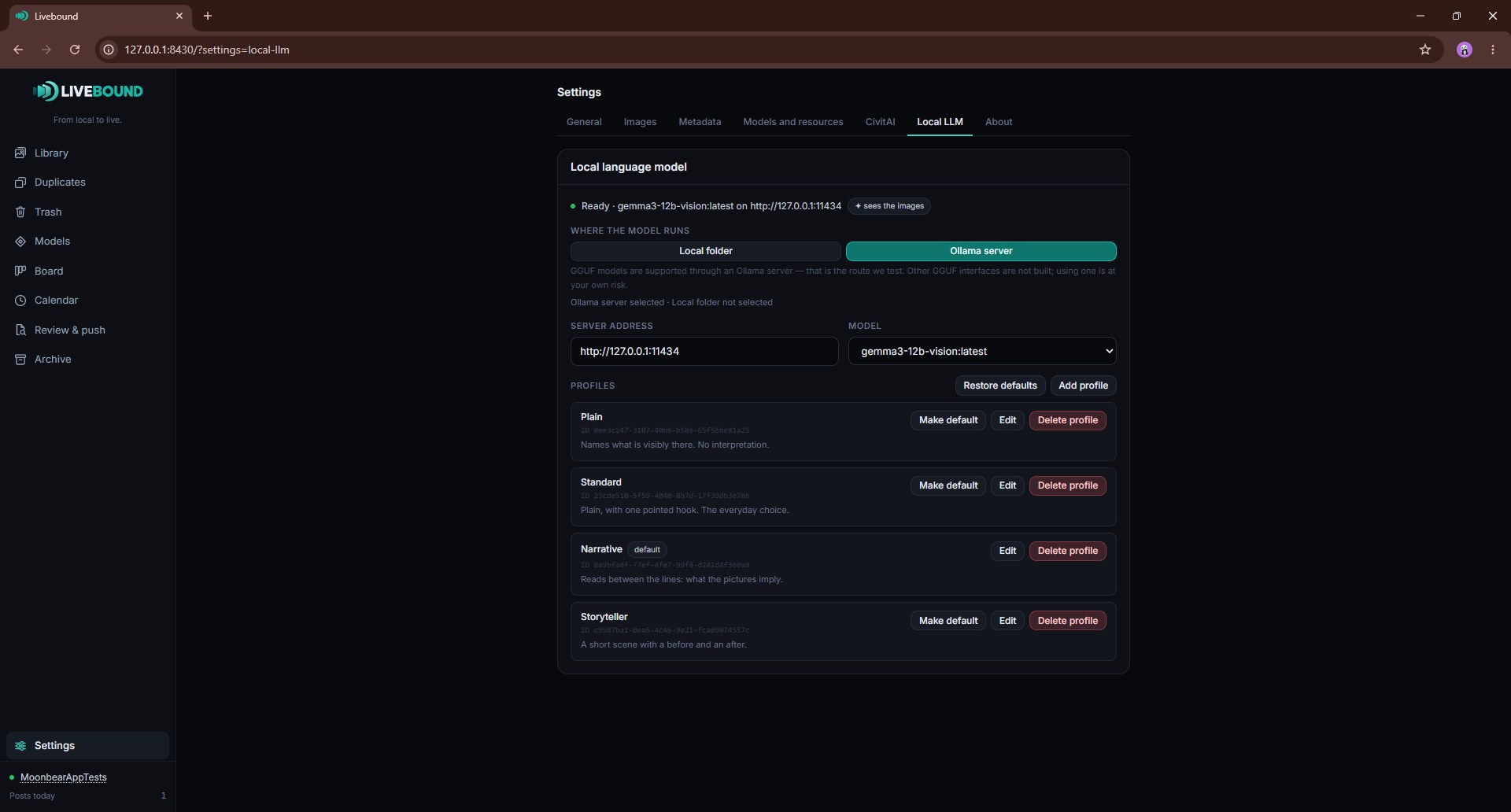
Choose between a local model folder and an Ollama server, manage profiles, and control optional vision/model-loading settings.
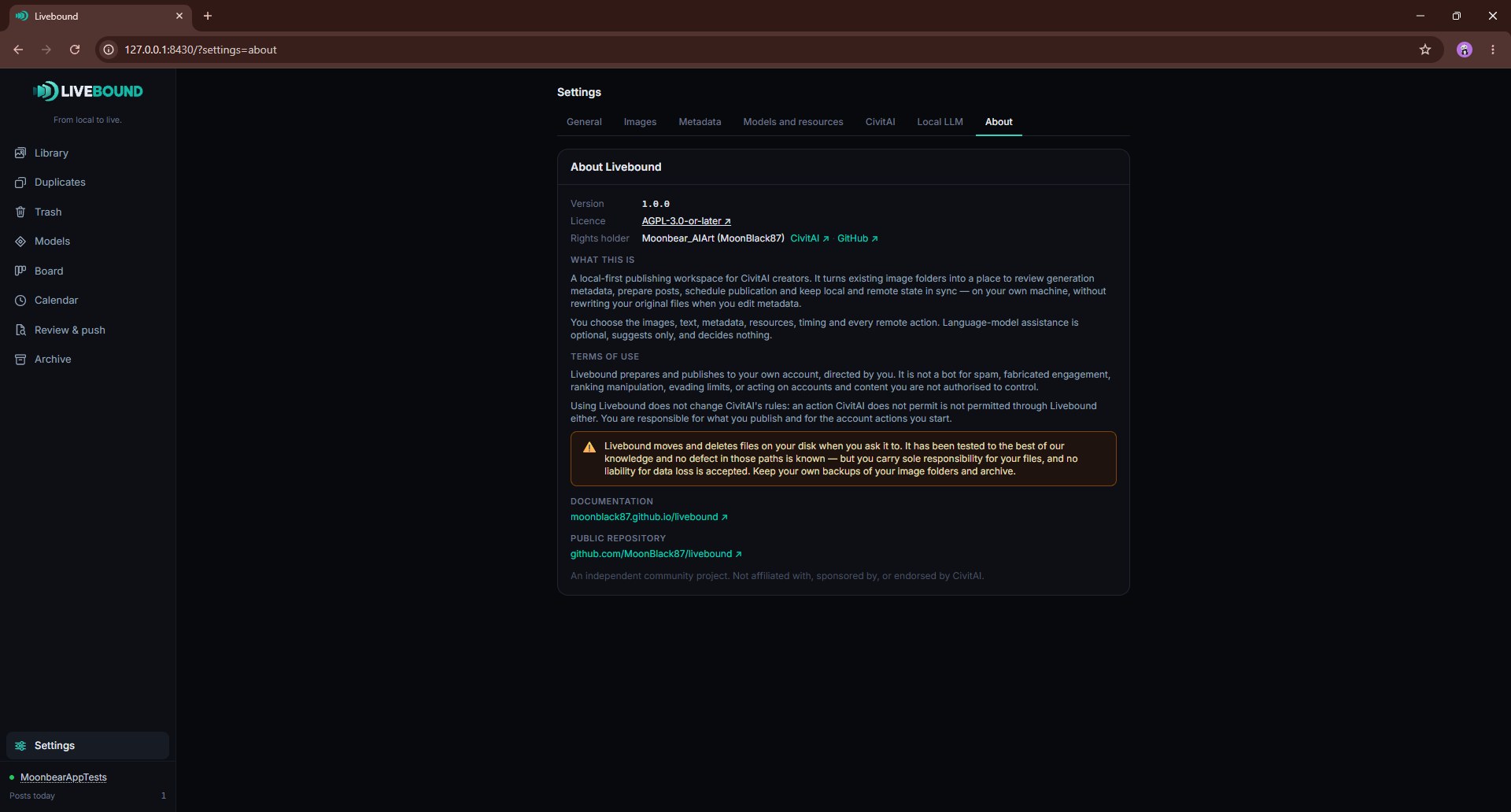
About Livebound
Shows the running version, licence, rights holder, project links, a description of Livebound, and the terms of use.