
Scheduling, Calendar, and Review
Schedule posts, inspect the calendar, and review what is ready to go live.
Livebound separates planning a time from the moment a post is actually pushed to CivitAI.
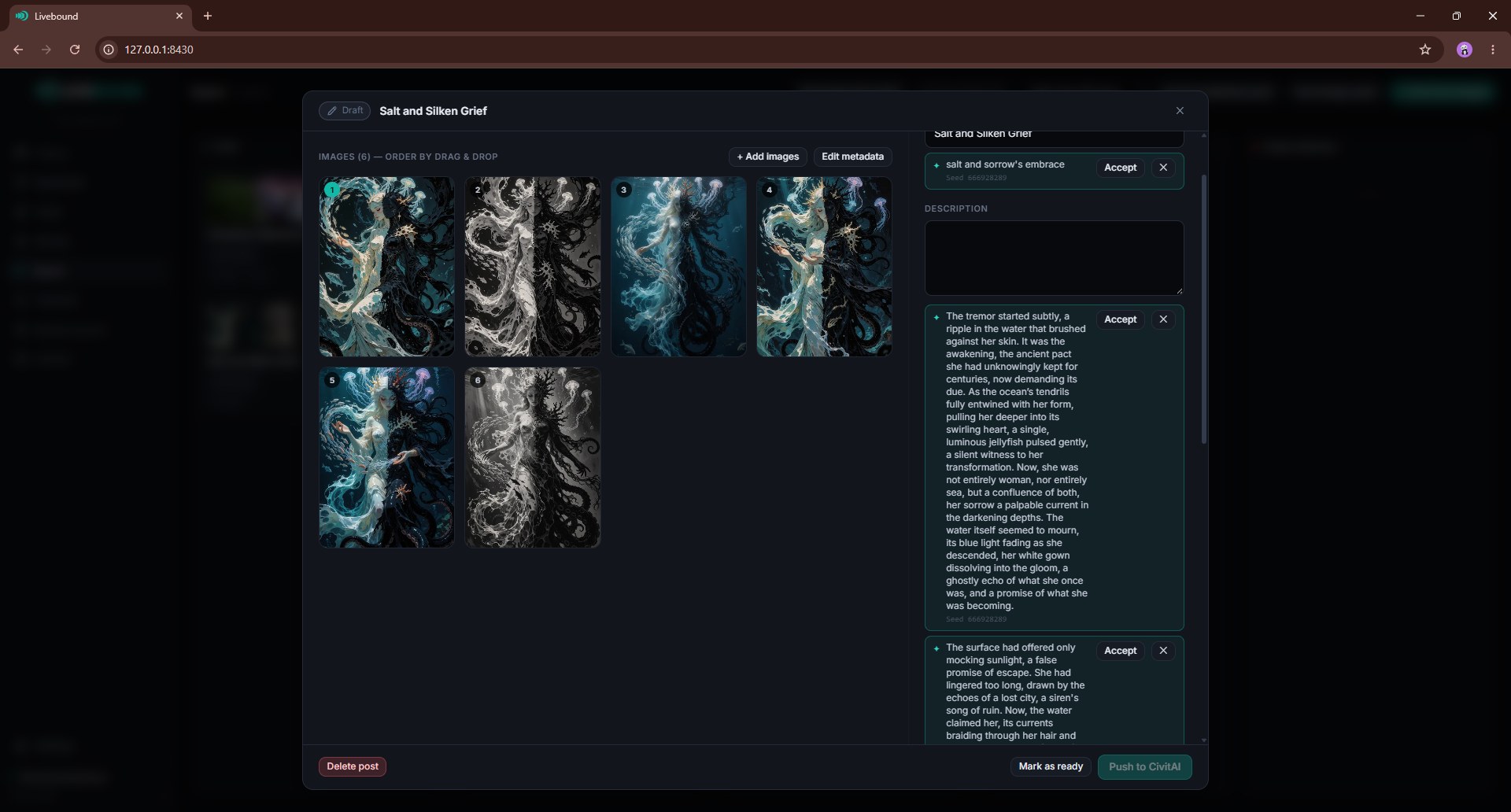
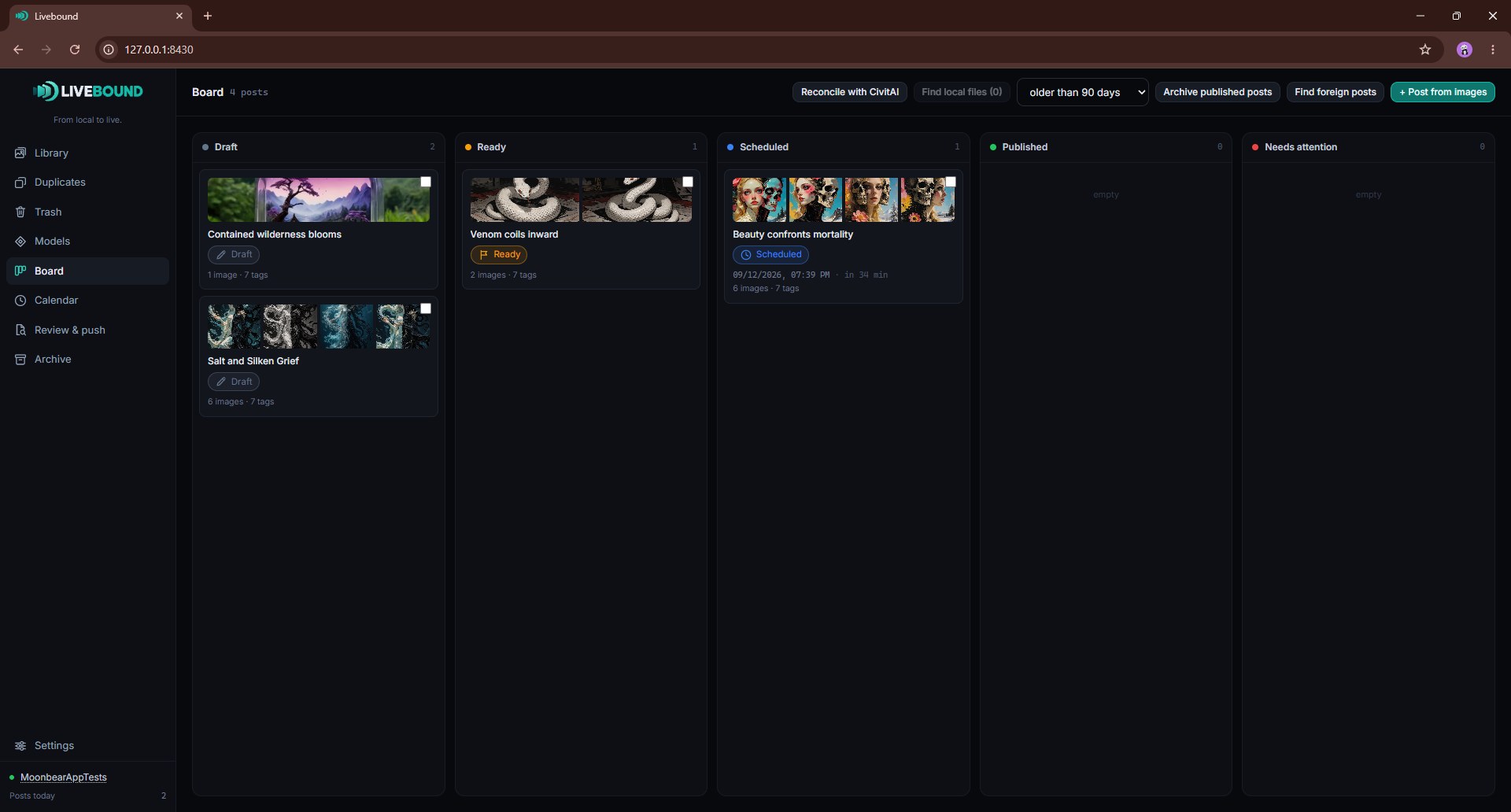
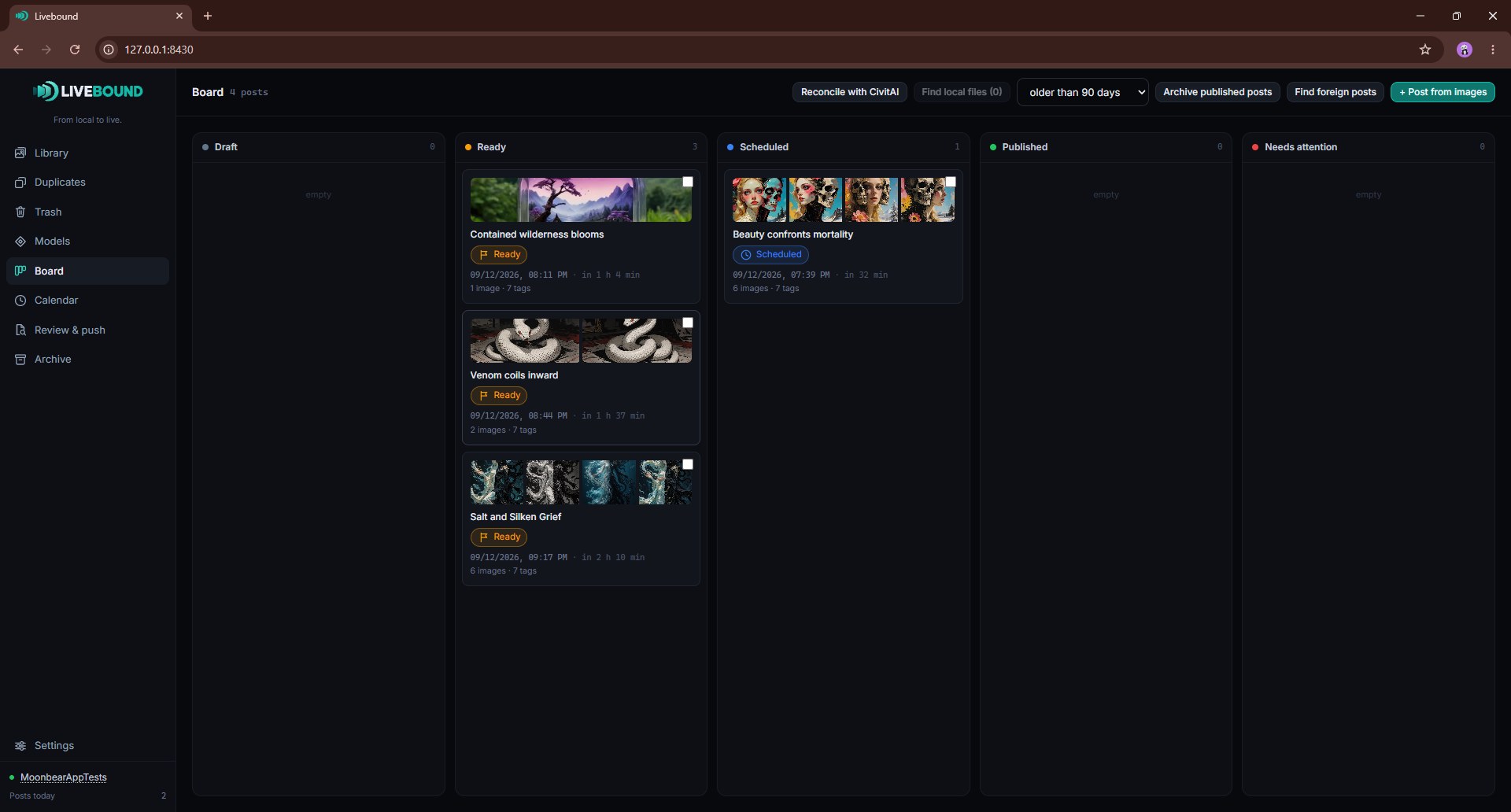
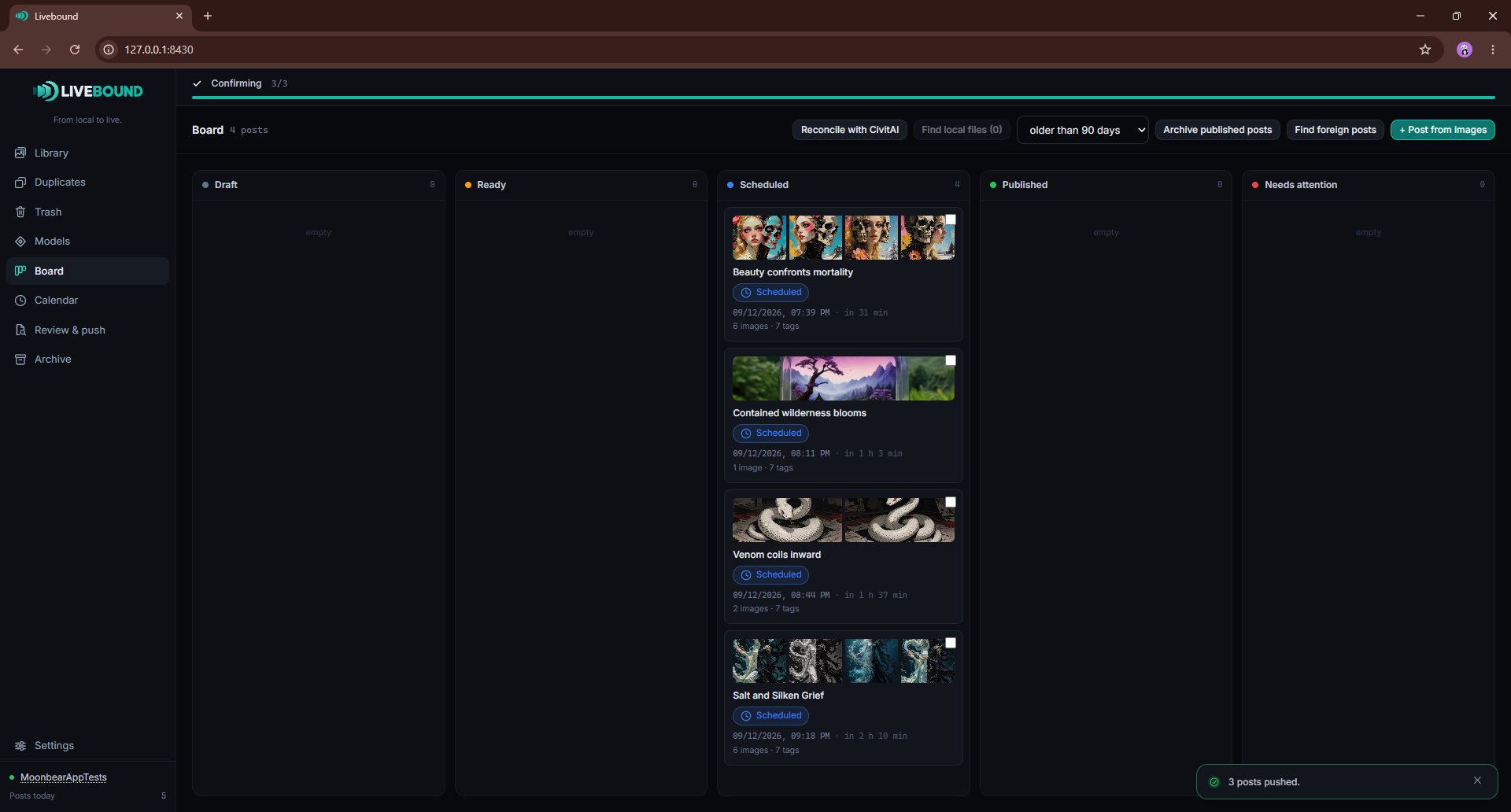
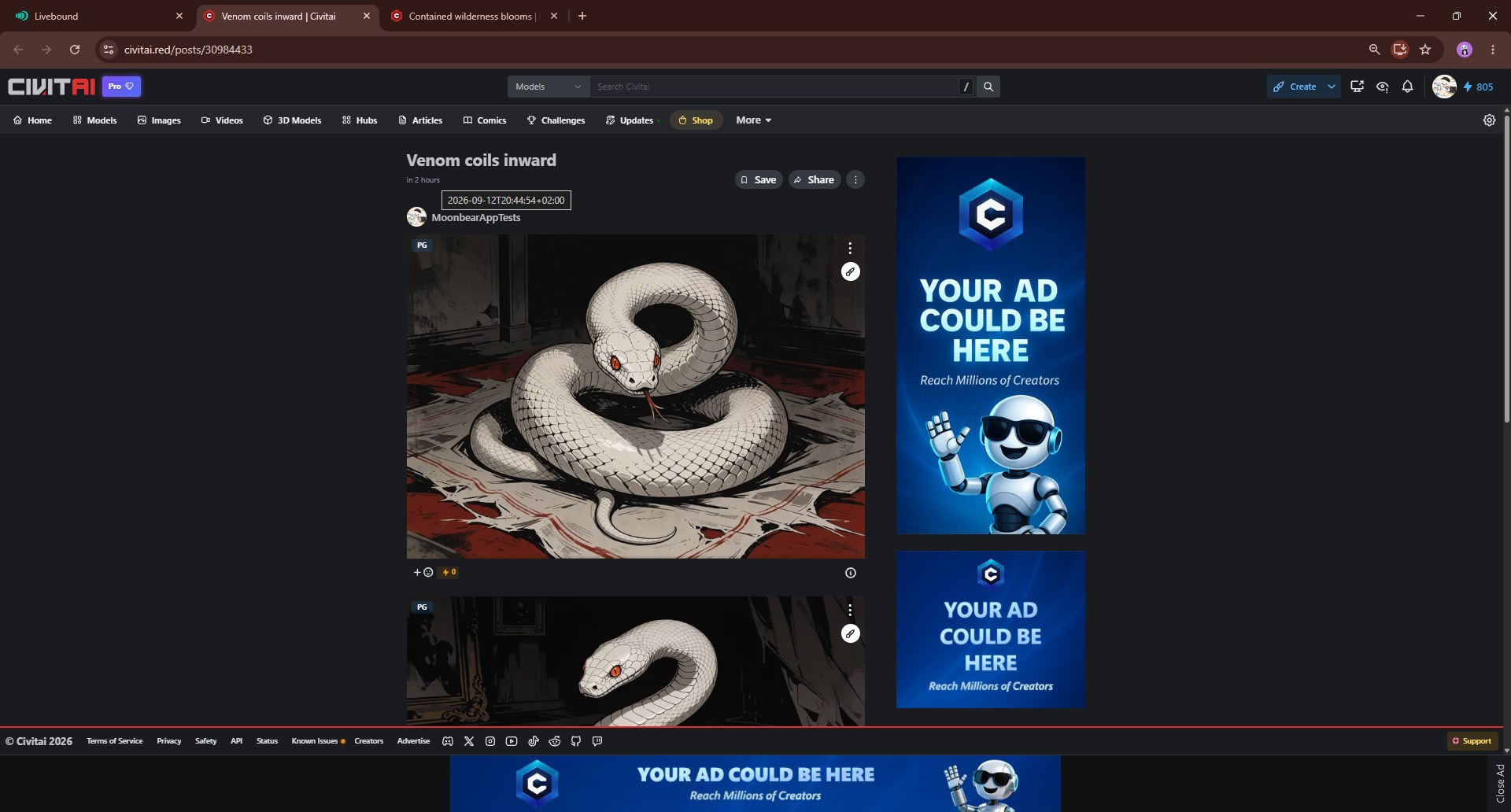
Publishing modes
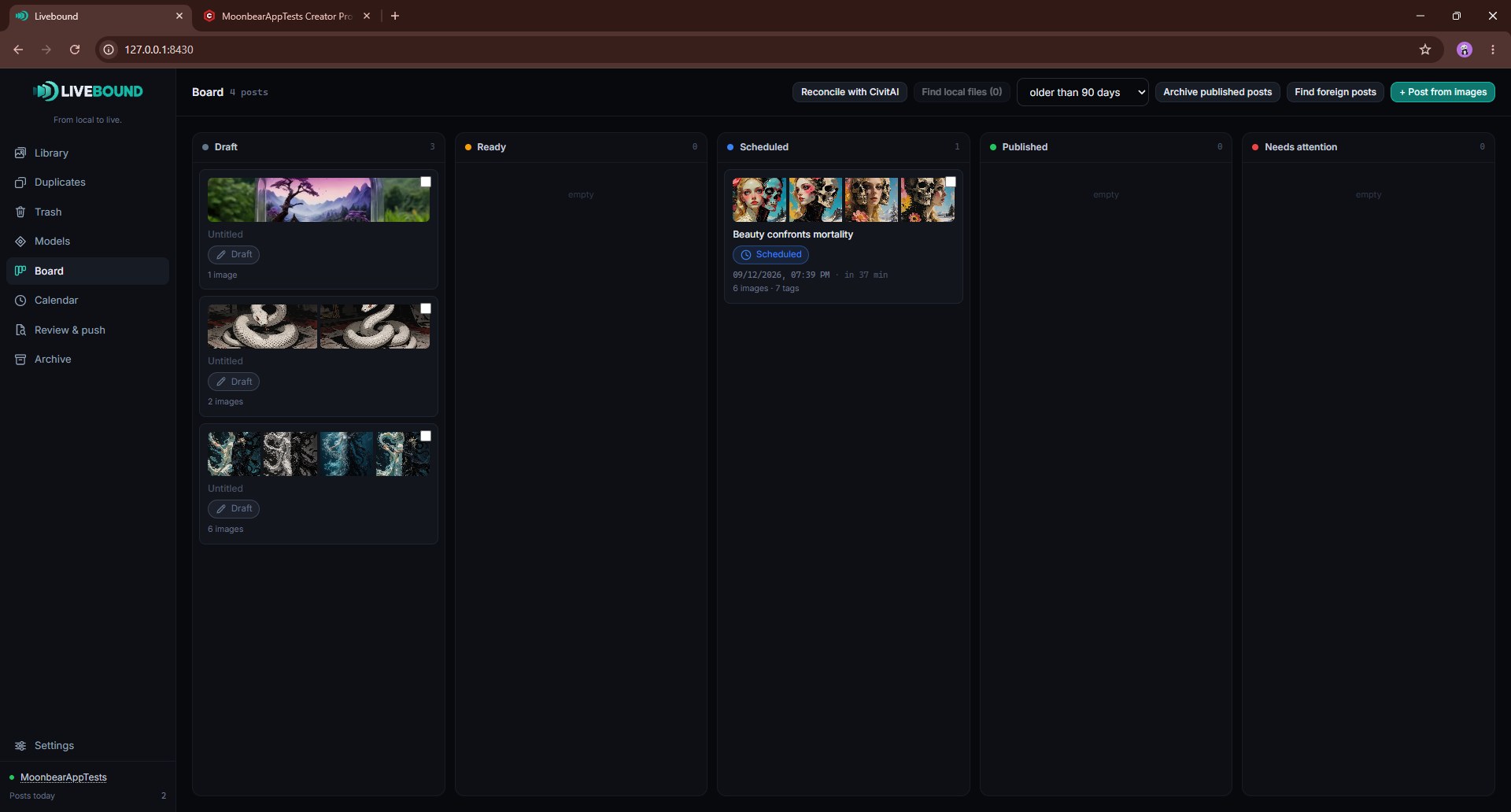
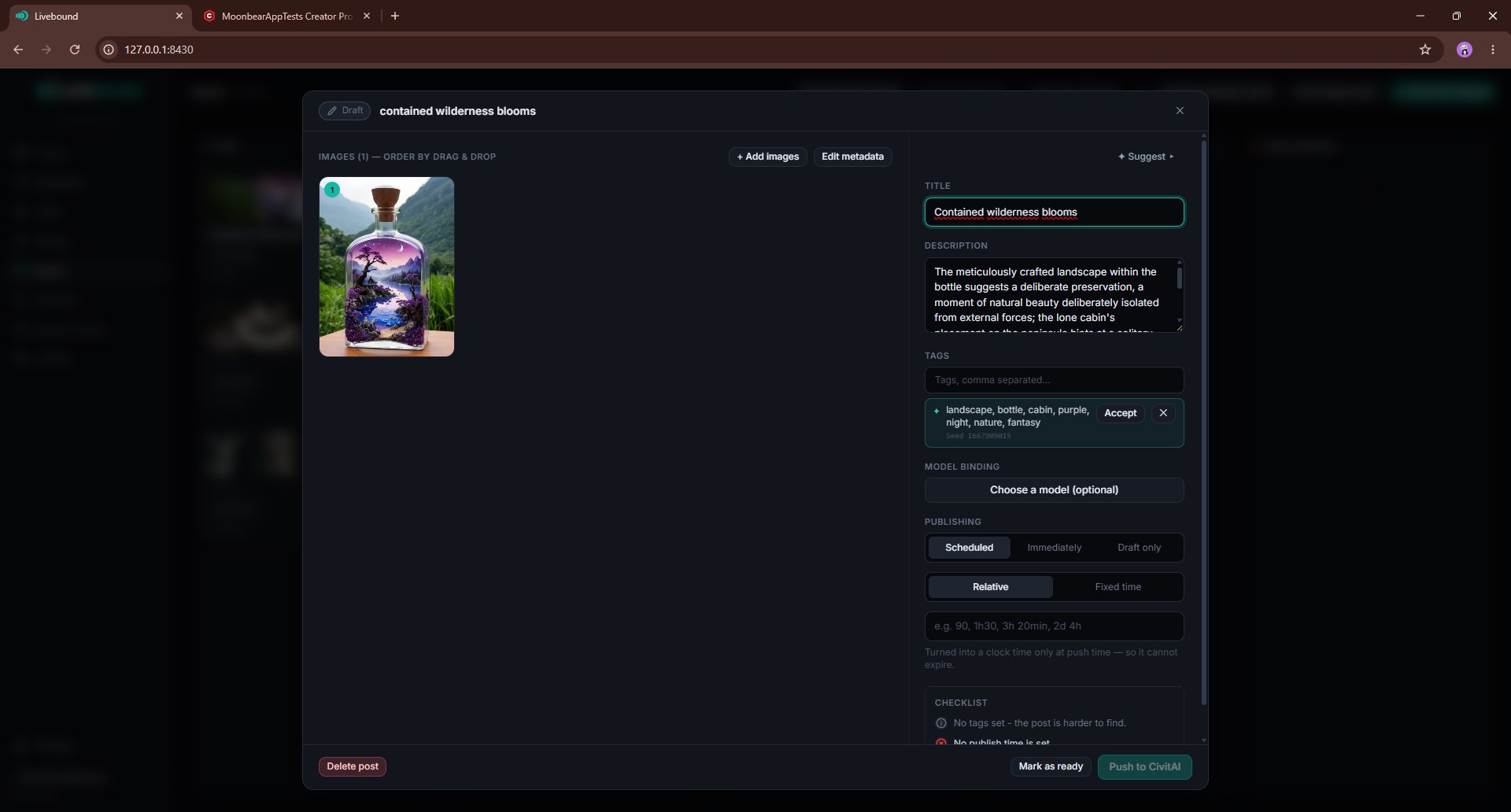
A post can be prepared as:
- Draft only — create/update a CivitAI draft without publishing it.
- Publish now — publish as soon as the push completes.
- Scheduled — publish at a future time.
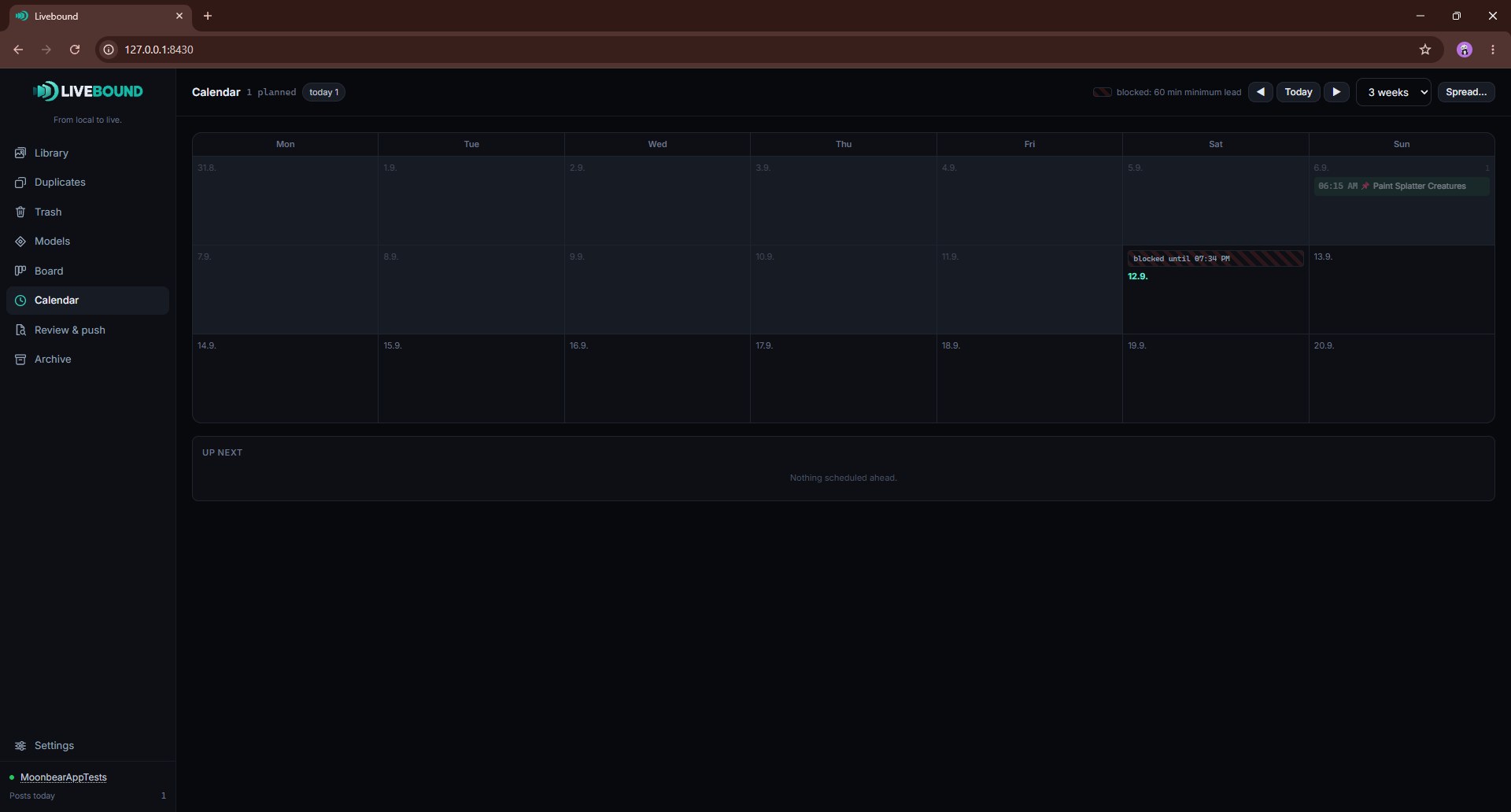
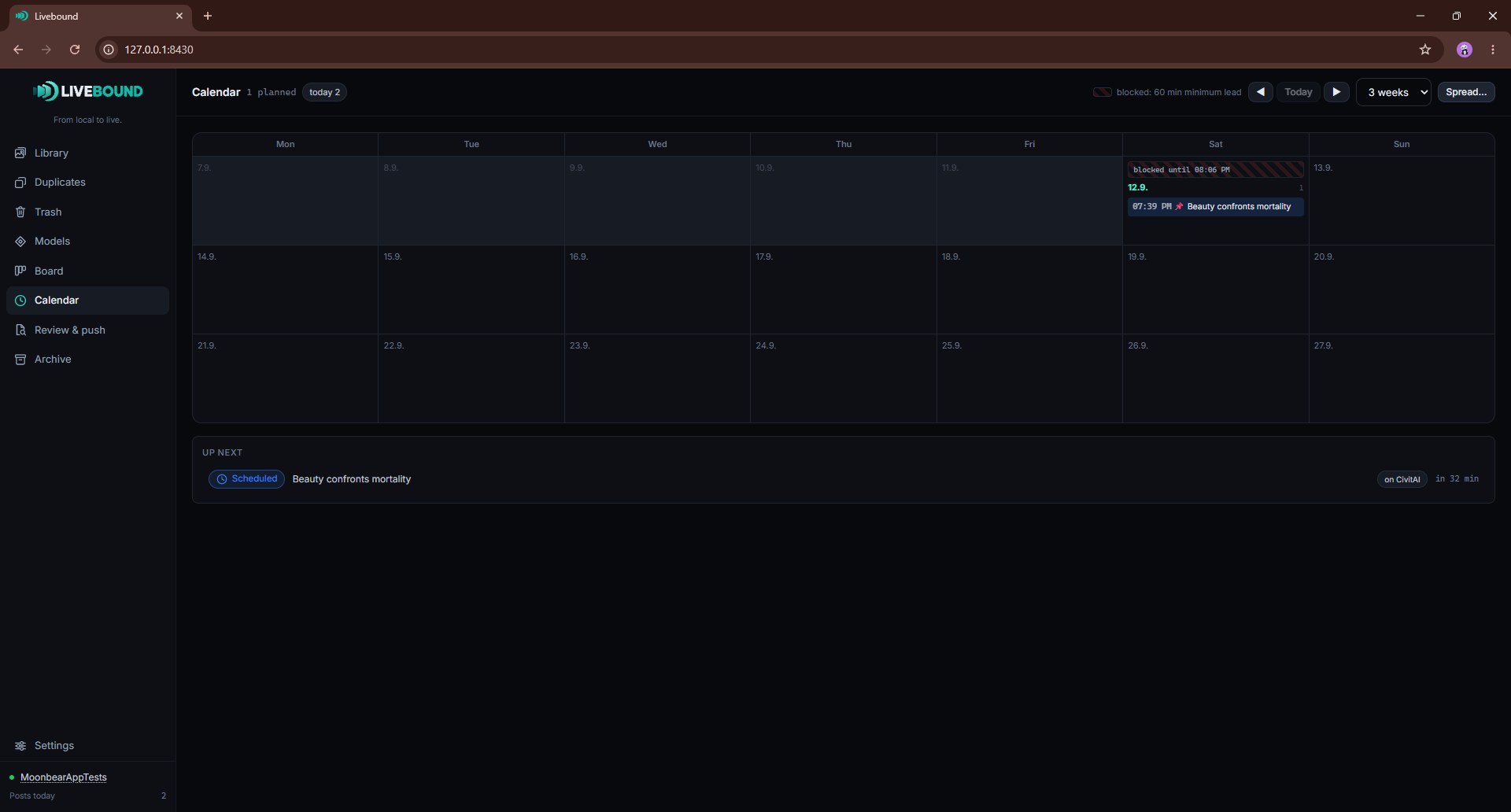
The calendar is a planning view over those local intents and known remote facts.
Why a scheduled post is usually seen more
This one is worth knowing whichever tool you use, because it is a property of CivitAI rather than of Livebound.
CivitAI shows an image in its feeds only once the image has finished scanning, and a post’s publication time is written the moment you publish and cannot be changed afterwards. The platform does that on purpose, so that nobody can bump an old post back to the top.
Those two together decide where you land in the newest feed:
- Publish now. The publication time is set at the button press, while your images are still being scanned. They appear when the scan finishes, but the post sorts by the time you pressed the button, which by then is no longer new. It does not catch up later, because that timestamp is fixed.
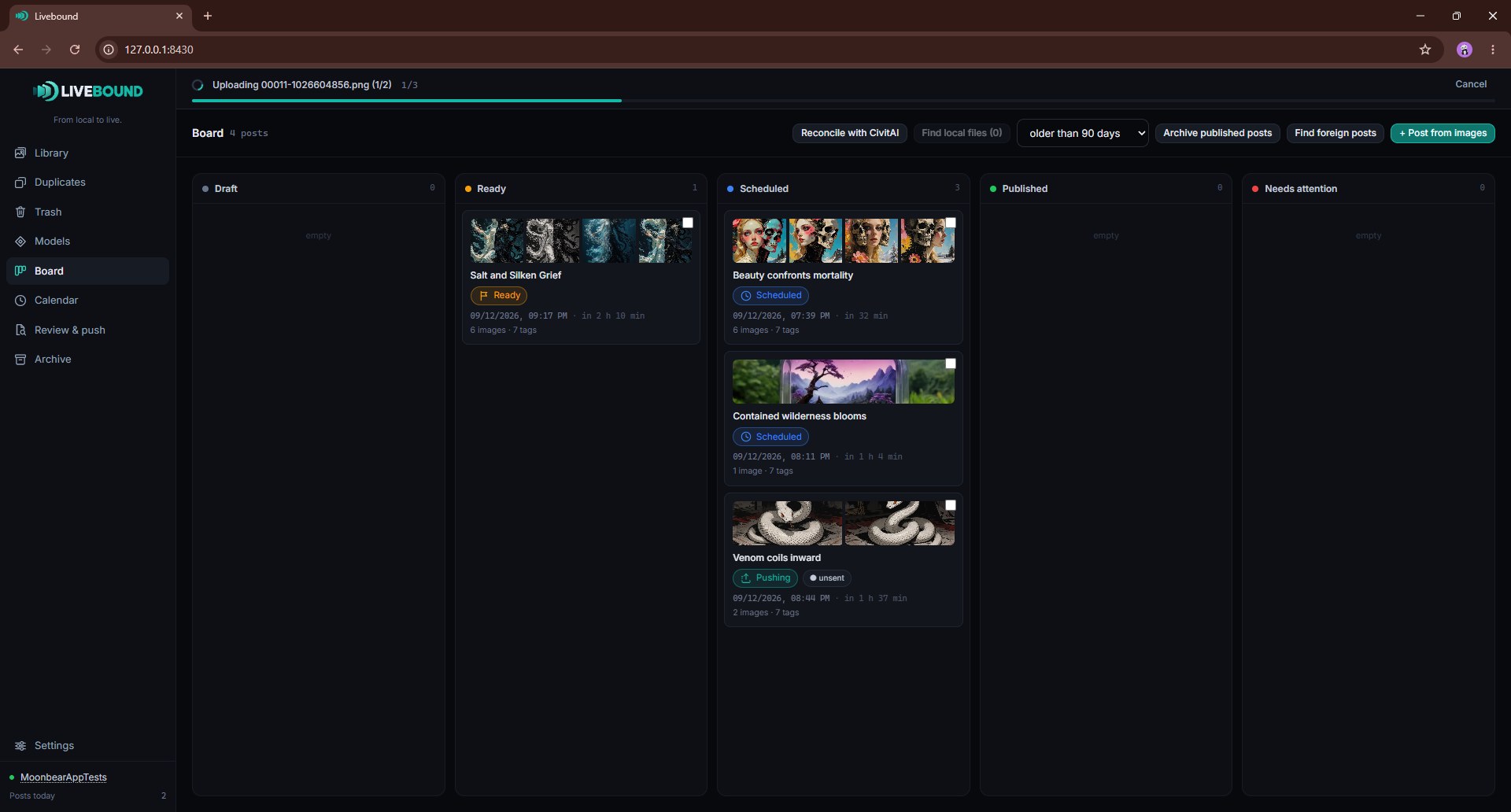
- Scheduled. The images are uploaded and scanned during the lead time. When the moment arrives they are already through, so the post appears at once, at the top, with the time you chose.
So a publish-now post can quietly arrive some way down the feed, and the attention and reactions that go with the first rows are gone before anybody saw it. Nothing has failed and nothing reports an error. It is simply how the ordering works.
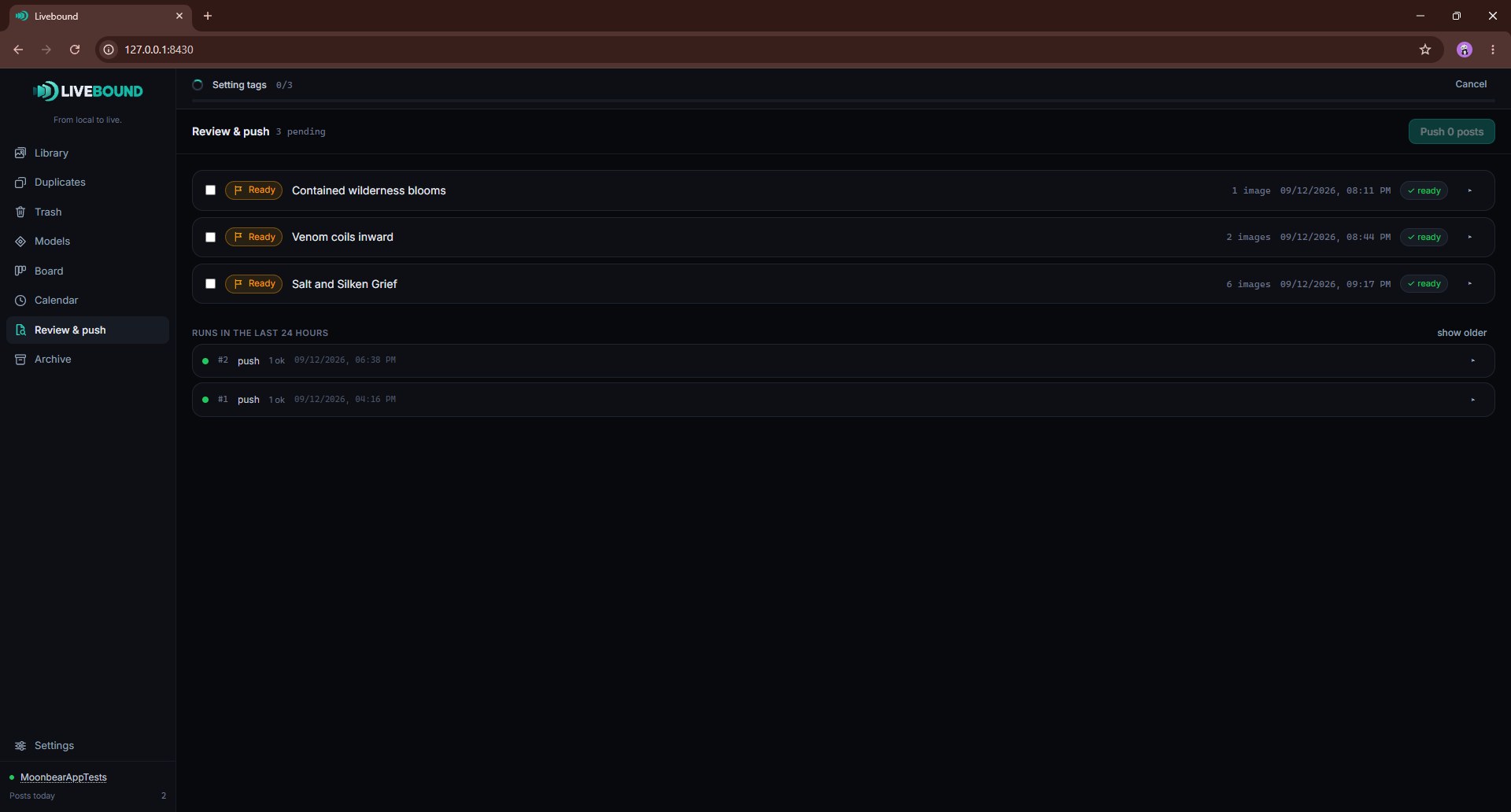
This is the reason Livebound treats scheduling as the normal way to publish rather than an advanced option, and why the push pipeline uploads everything first and sets the publication time last.
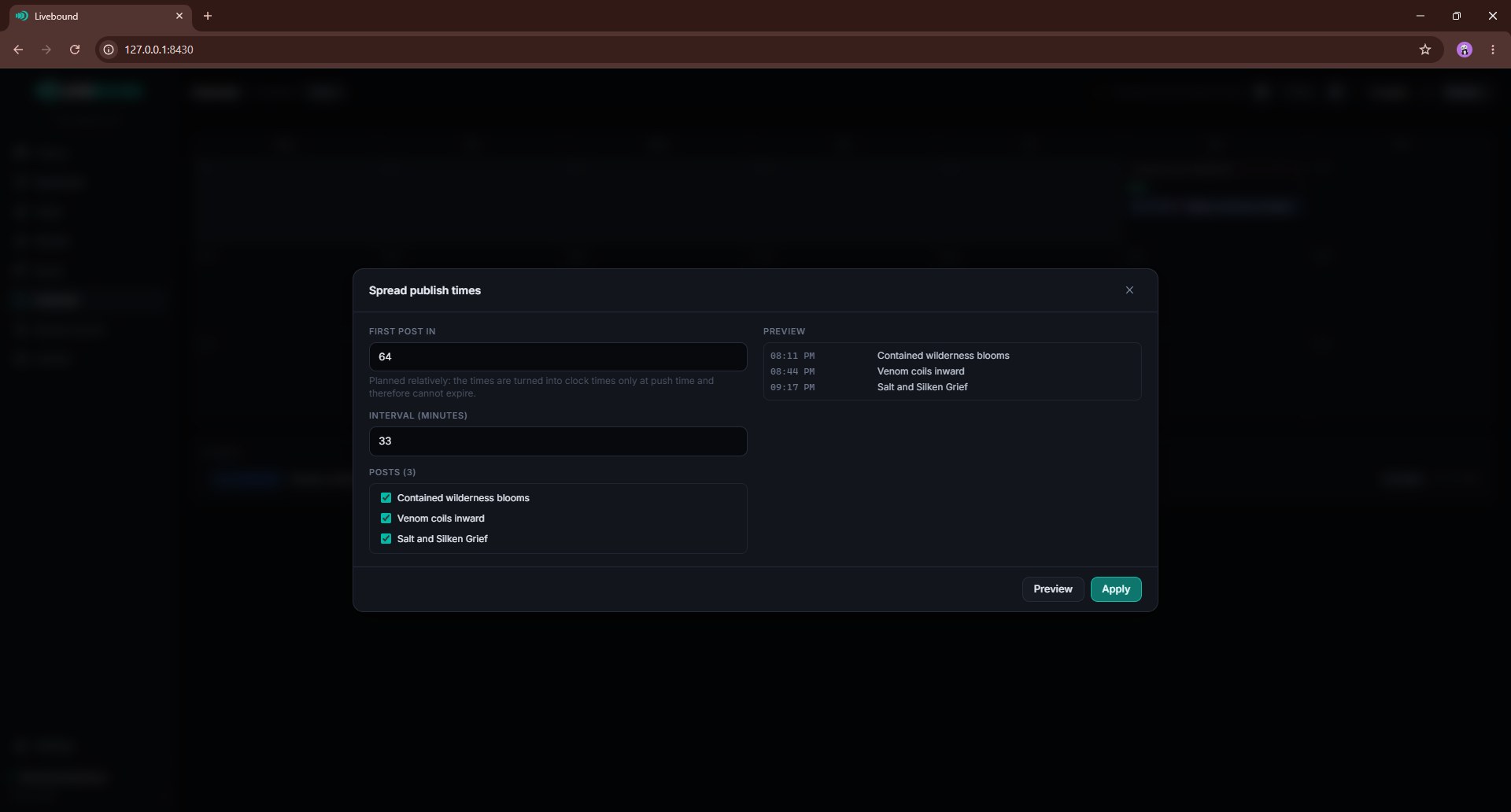
Lead time and spread
Livebound can help spread a group of selected posts over time rather than forcing you to edit each timestamp by hand. Lead-time rules prevent a scheduled post from being placed too close to now for a safe remote update.
The resulting times remain editable before you push them.
Review
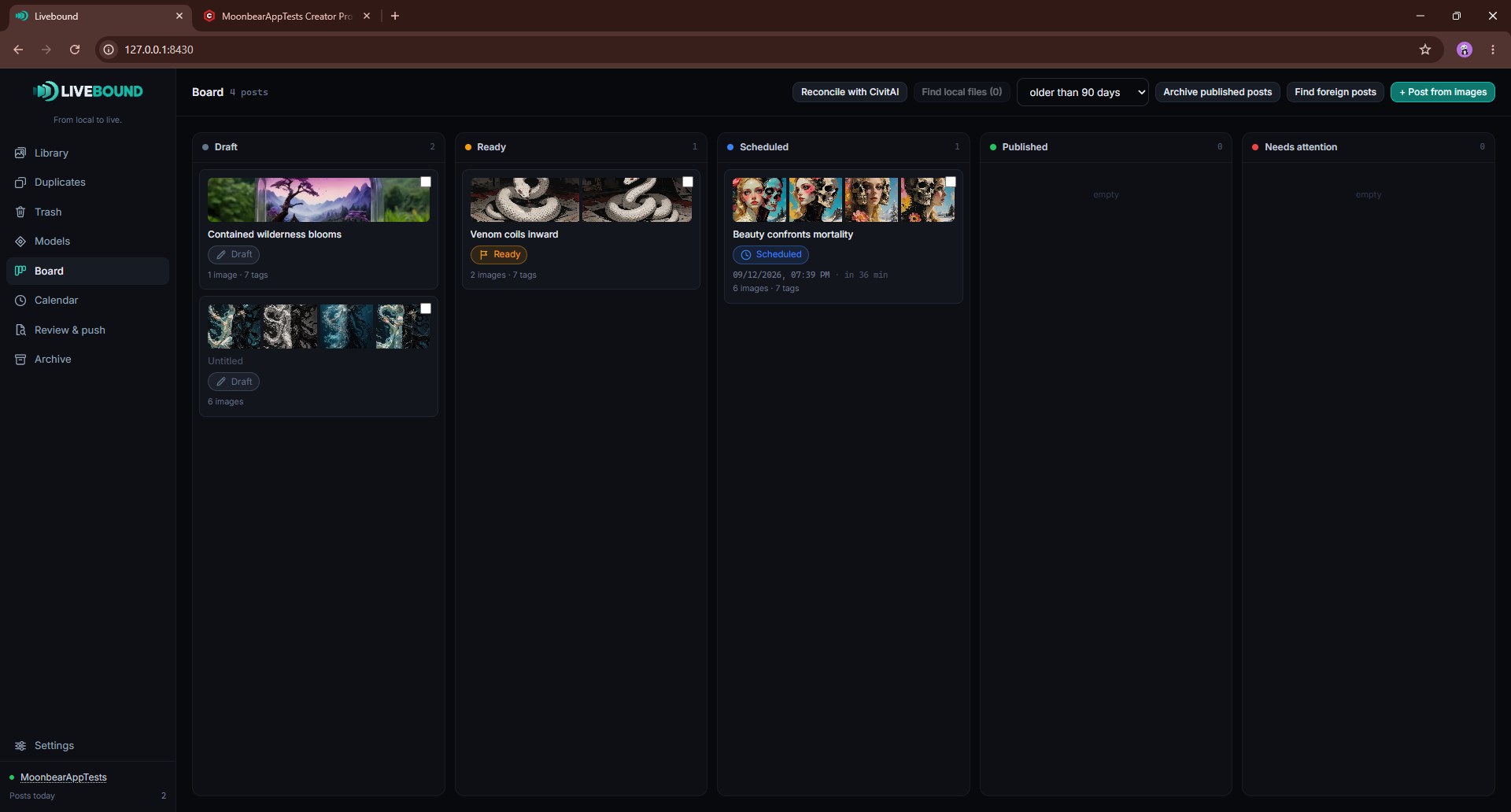
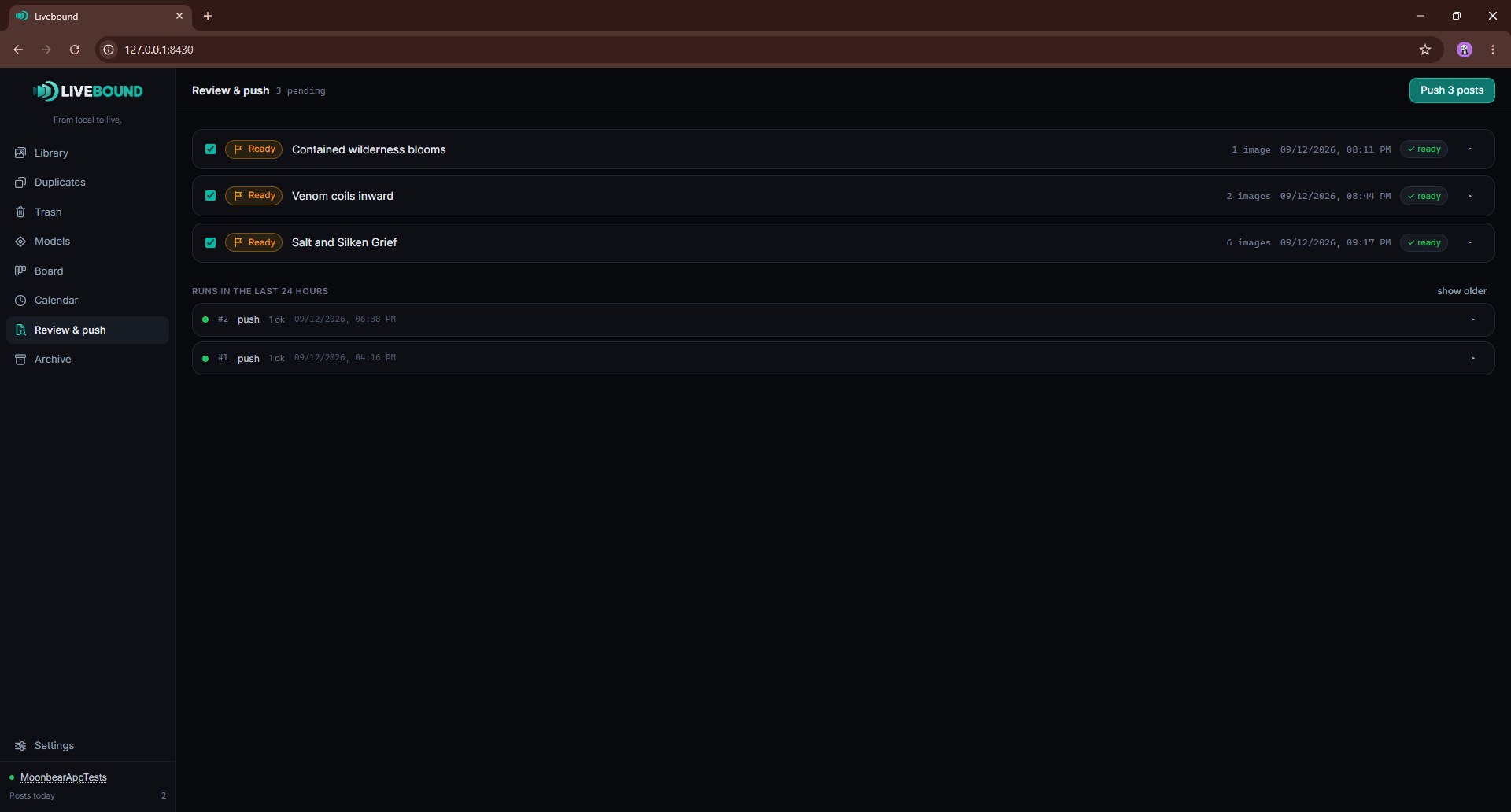
The Review view is the last check before remote action. It brings together readiness, scheduling, missing files, remote state, and other issues that can block or warn on a push.
A warning asks for judgement; a blocker must be resolved first.
After a push
Once a post is pushed, Livebound stores the remote identity and confirmed publication facts it receives. Scheduled items can be checked again later so the local view reflects whether CivitAI has published them or whether something changed remotely.