
Generation Metadata
Review and edit generation metadata before it is used in a CivitAI post.
Livebound reads generation information embedded by several AI image tools and exposes it in a common editing interface.
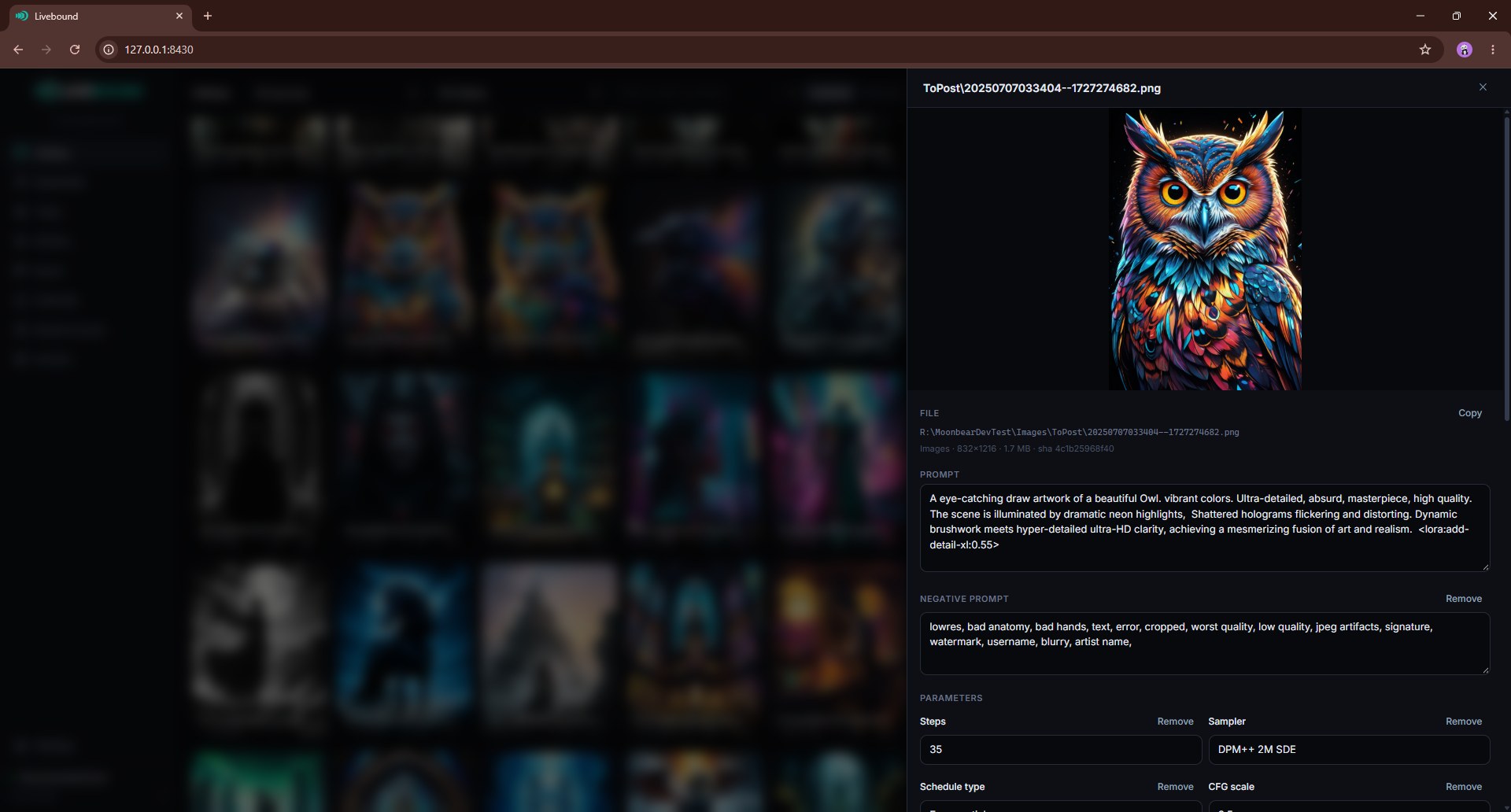
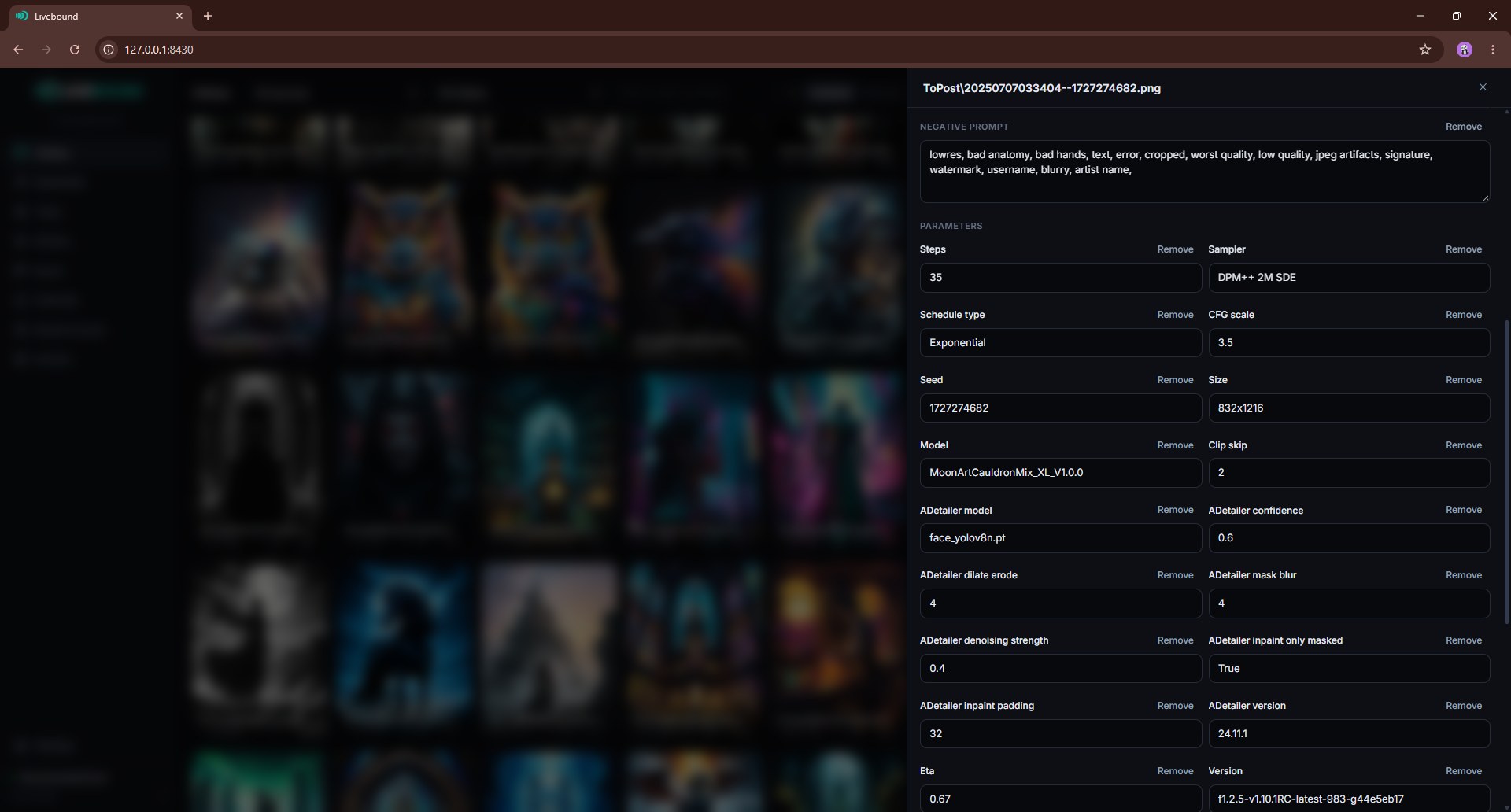
Depending on the source format, this can include:
- prompt and negative prompt;
- seed;
- sampler and scheduler;
- steps and guidance/CFG values;
- model name and version information;
- LoRAs, embeddings and their strengths;
- hashes and other generator-specific parameters.
If an image contains metadata Livebound does not understand, the image can still remain in the library; some generation fields will simply be unavailable.
Original files stay unchanged
Editing metadata in Livebound does not rewrite or re-encode the source image. The edited representation is stored in Livebound’s database.
Before publishing, Livebound can create a temporary upload copy that reflects the current edits and exclusions. The source file remains unchanged.
That copy exists for two reasons. It applies what you edited, and it states the generation data in a shape CivitAI’s own parser reads — so a post is more likely to show its parameters correctly and to attribute the models and LoRAs it actually used. Generators write metadata in a dozen different structures; the platform reads a few. The copy bridges that, and one value never appears twice with two different answers in it.
Use Reset on an image to discard its saved metadata edit and return to the values read from the source.
Editing one image
The image details view lets you change supported generation fields, prompt text, negative prompt, parameters, and resource assignments.
Resource changes are tracked separately from the image file. A resource detected from the image can be overridden or restored; a resource you add manually can be removed again.
Bulk editing
With several images selected, the bulk editor can preview and apply operations such as:
- search and replace;
- prepend or append prompt text;
- edit negative prompts;
- set or remove a generation parameter.
Review the preview before applying a bulk operation.
Upload metadata exclusions
Settings → Metadata builds a list from parameter fields found during scans. A field enabled for exclusion is omitted from Livebound’s upload copy.
Prompt exclusions can remove regular-expression matches from prompt variants before upload.
These settings affect data prepared for CivitAI; they do not alter the source image on disk.
Be careful when excluding model or version information because it can affect how CivitAI interprets the generation.
Hide metadata on CivitAI
A post image can use CivitAI’s hide metadata setting. This controls whether generation data is displayed publicly on CivitAI.
It is not a promise that the metadata is hidden from CivitAI itself: data selected for upload is still sent to CivitAI as part of the publishing operation.