
Optional Language-Model Assistance
Use optional local or user-configured language-model assistance for preparation tasks.
Livebound does not require a language model. Every normal library, metadata, scheduling, publishing and sync workflow works without one.
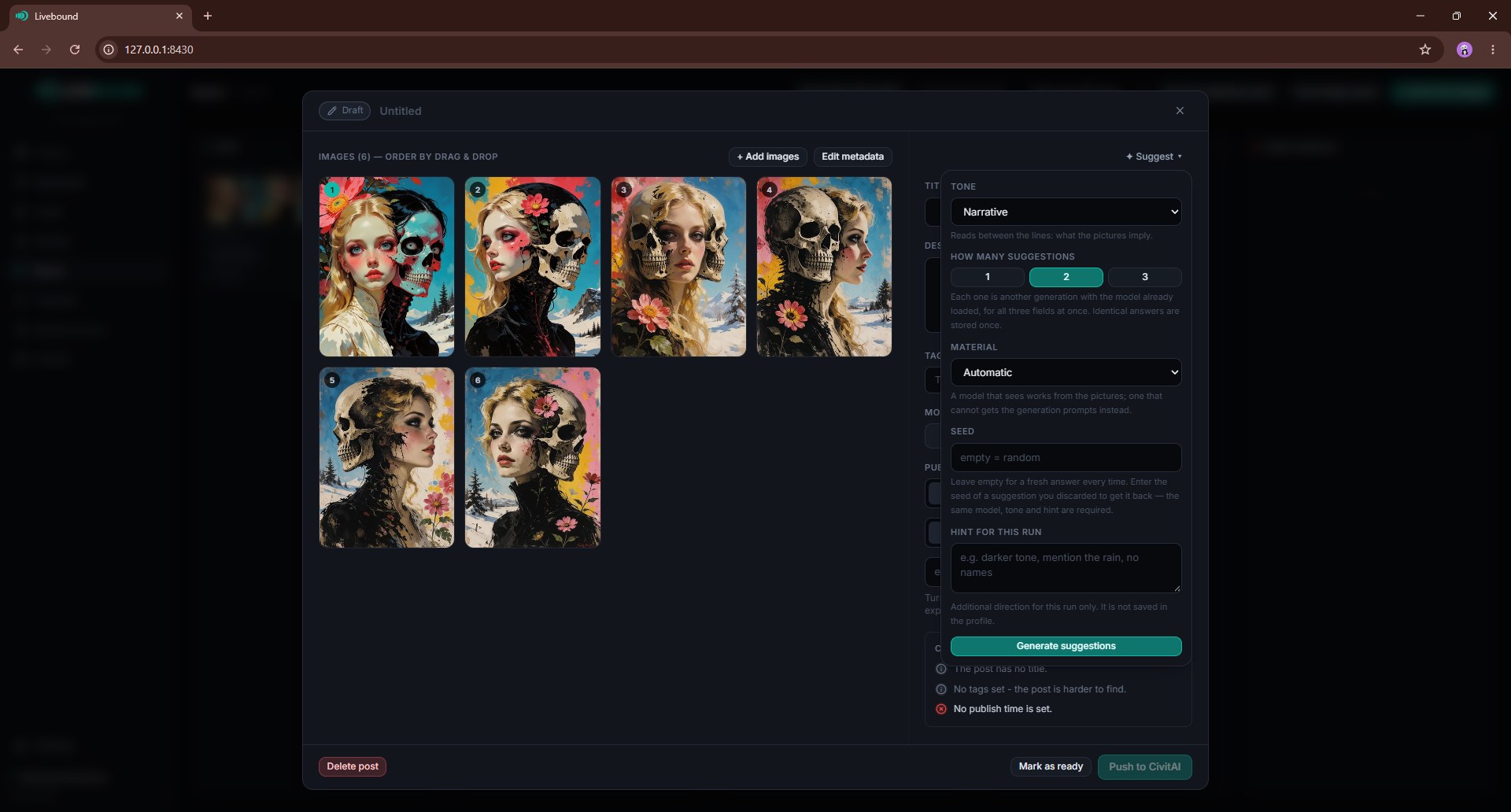
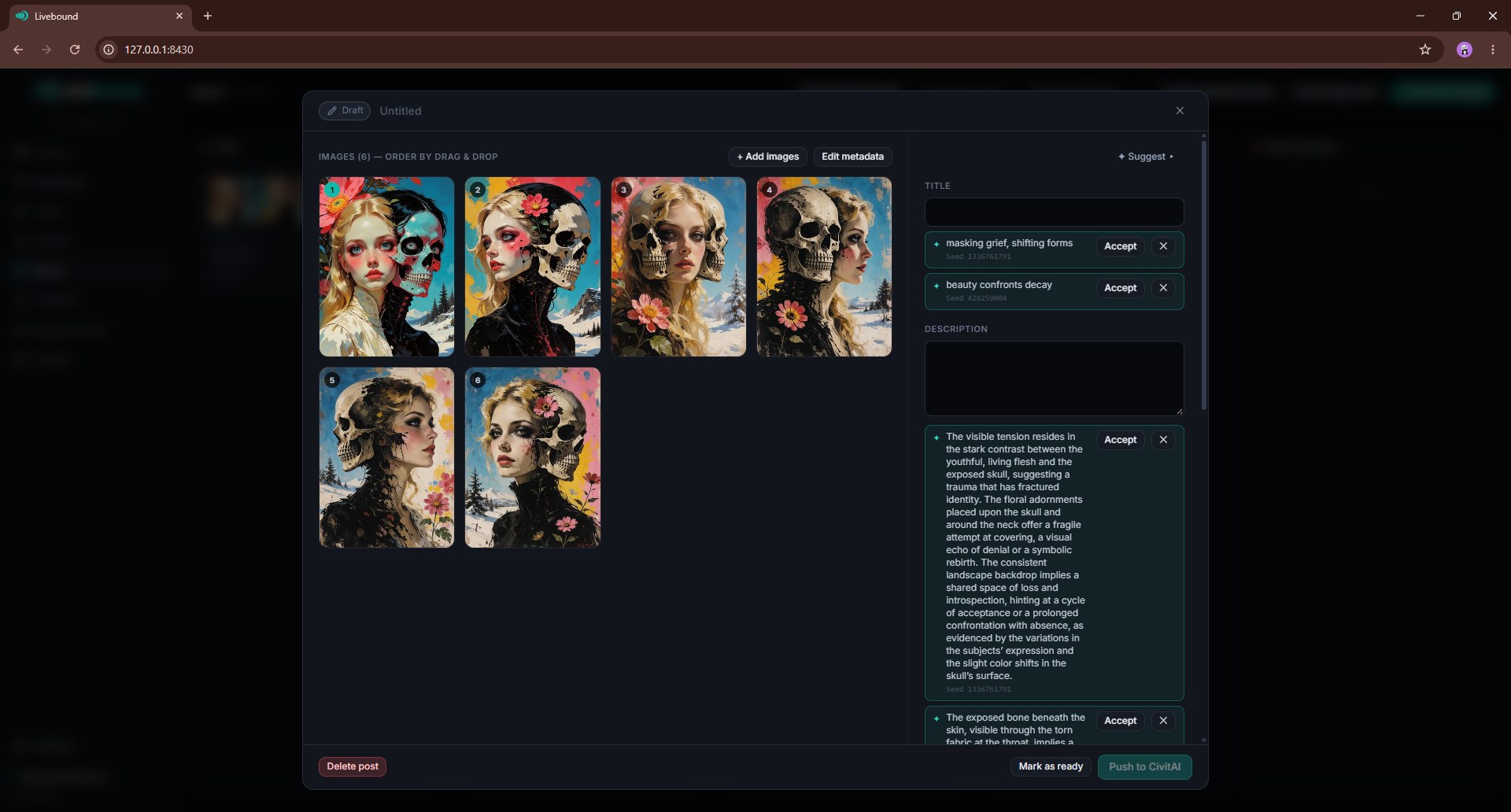
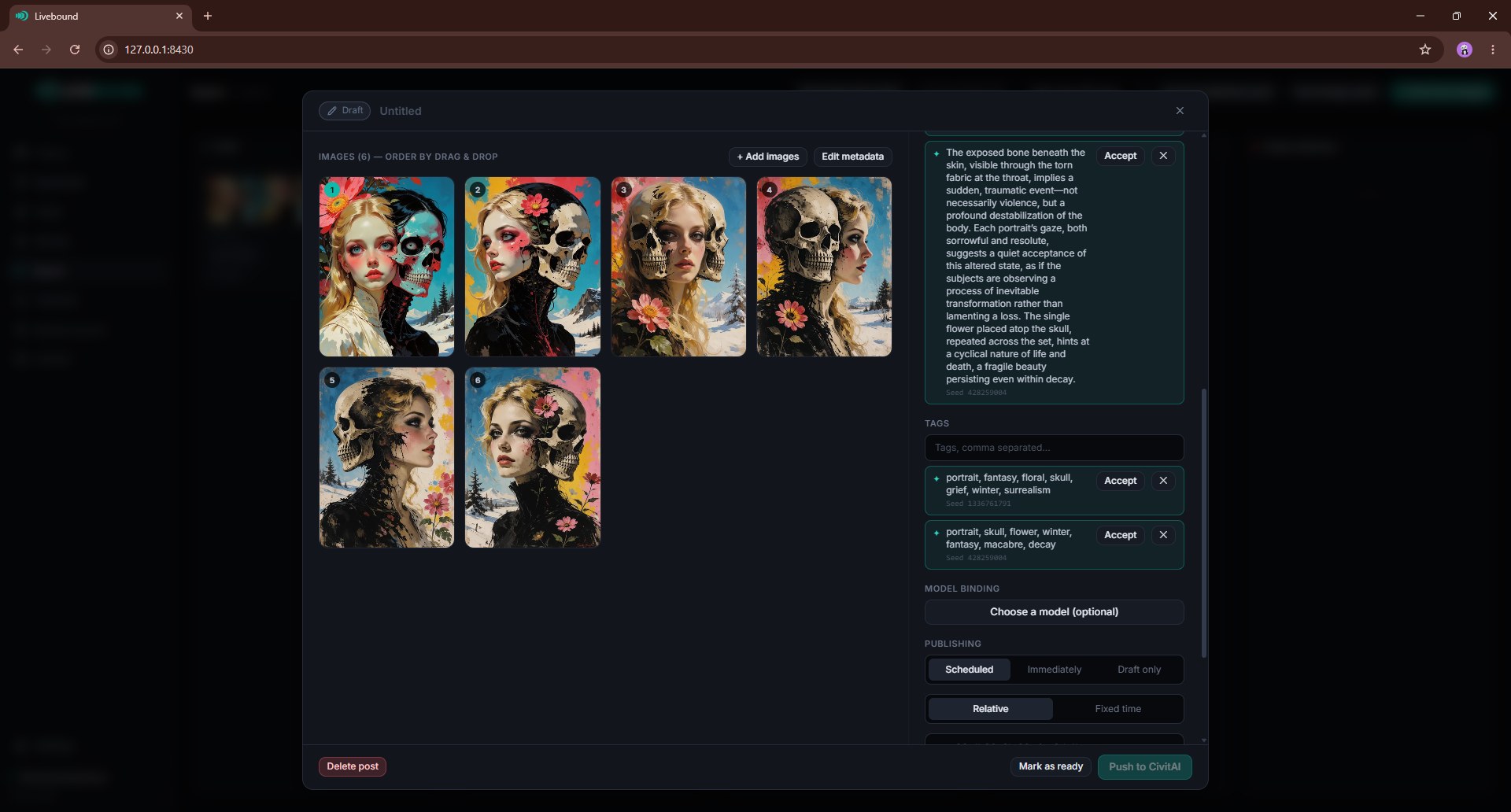
When configured, a model can help propose:
- titles;
- descriptions;
- tags;
- shorter prompt variants.
Suggestions remain suggestions: you choose what to accept.
If you are deciding which local model to try, see the Local Model Comparison: eleven vision models were measured on the same five posts and four built-in profiles, with all 220 answers printed in full.
Local model folder
Livebound can run a compatible local Transformers checkpoint in a separate Python worker. That worker needs its own Python environment with the ML packages in it, which is a multi-gigabyte install and therefore not part of the normal setup.
--llm performs that install, once. It creates the environment, installs the requirements and tells you which interpreter to select in the settings. Afterwards start Livebound normally: the flag is not needed again, and the worker runs without it.
Ollama needs none of this. It is a server Livebound talks to over HTTP, so there is nothing to install into a Python environment and --llm has no part in it.
./webui.sh --llm
or on Windows:
webui.bat --llm
Then select the model folder and that interpreter in Settings → Local LLM.
The worker is separate from the main Livebound process and can unload the model after a run so GPU memory is available for image-generation software again.
Model-supplied Python code
Allow code from the model folder to run is off by default. Some model repositories require custom Python. Enabling this lets that code run with the same local privileges as the worker, including access to files available to your user account.
Enable it only for model folders you trust.
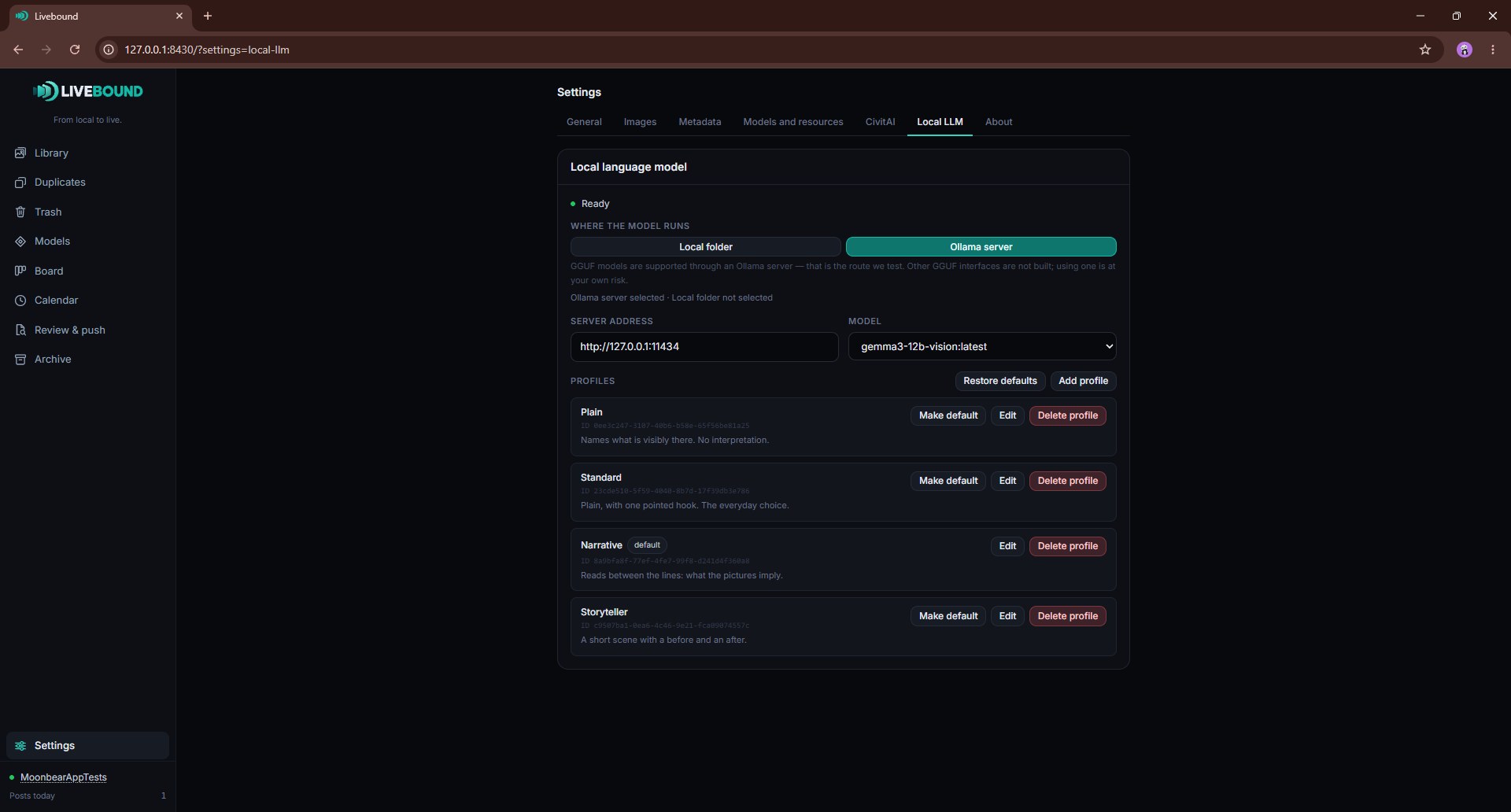
Ollama server
Livebound can instead use an Ollama server. Enter its HTTP or HTTPS address and select one of the models the server reports.
GGUF use is supported through this Ollama route.
An Ollama URL does not have to point to your own machine. If you configure a remote server, the prompts and any image material you choose to include are sent to that server. Treat the server as a separate service with its own privacy and trust boundary.
Text and image context
A suggestion can be based on prompt text, images, or both. When image context is enabled, Livebound sends downscaled copies/contact-sheet material to the configured model backend rather than the original full-resolution files.
Profiles and reproducibility
Built-in writing profiles include Plain, Standard, Narrative, and Storyteller. You can edit them or create your own profiles with model parameters and a system prompt.
A seed can be supplied when supported so repeated generations with the same model, profile and inputs are easier to reproduce.