
Archive
Keep published history in Livebound and optionally move published files into a structured archive.
Livebound has two related but separate archive actions: archiving the post record and moving the published image files.
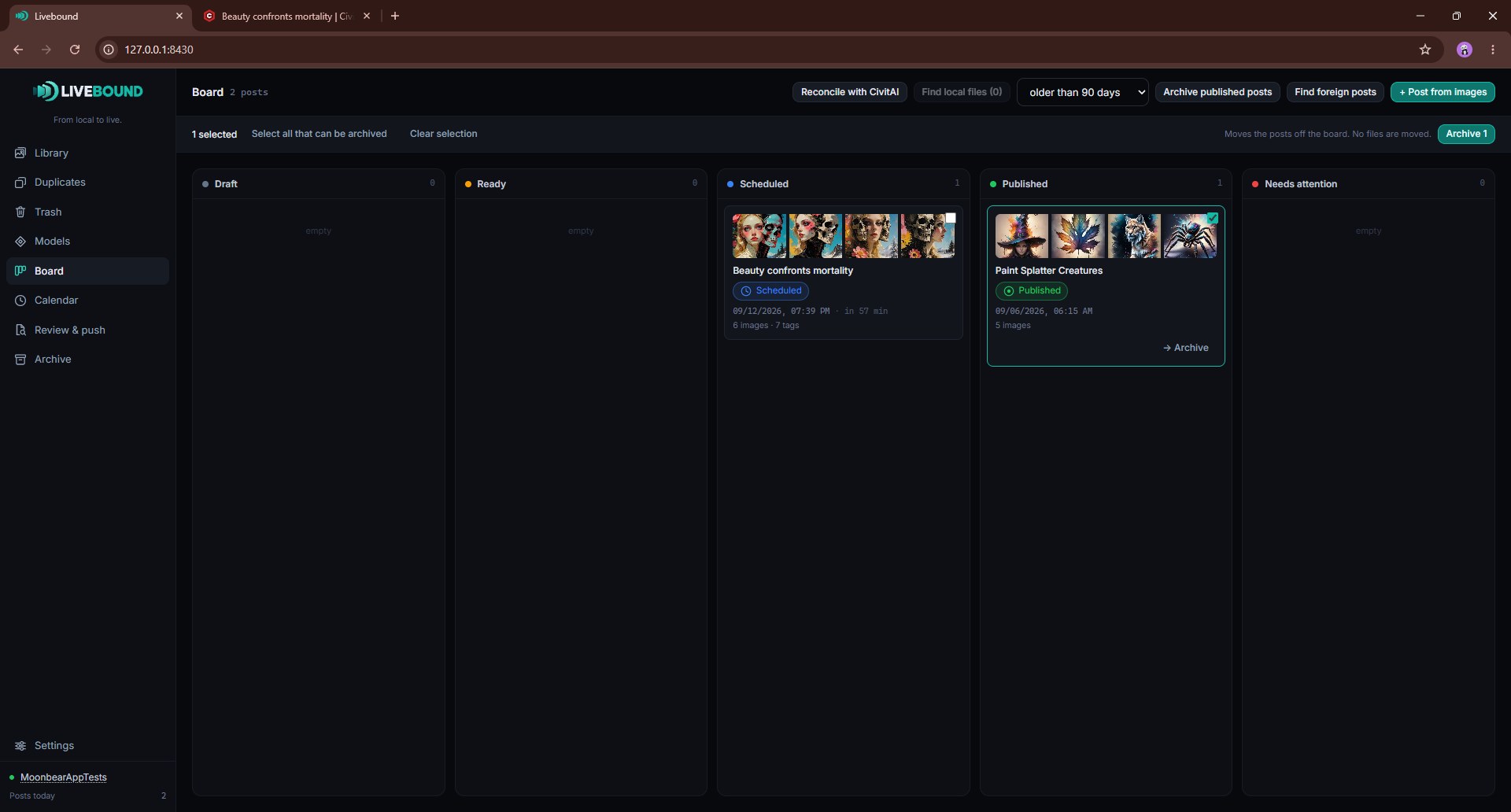
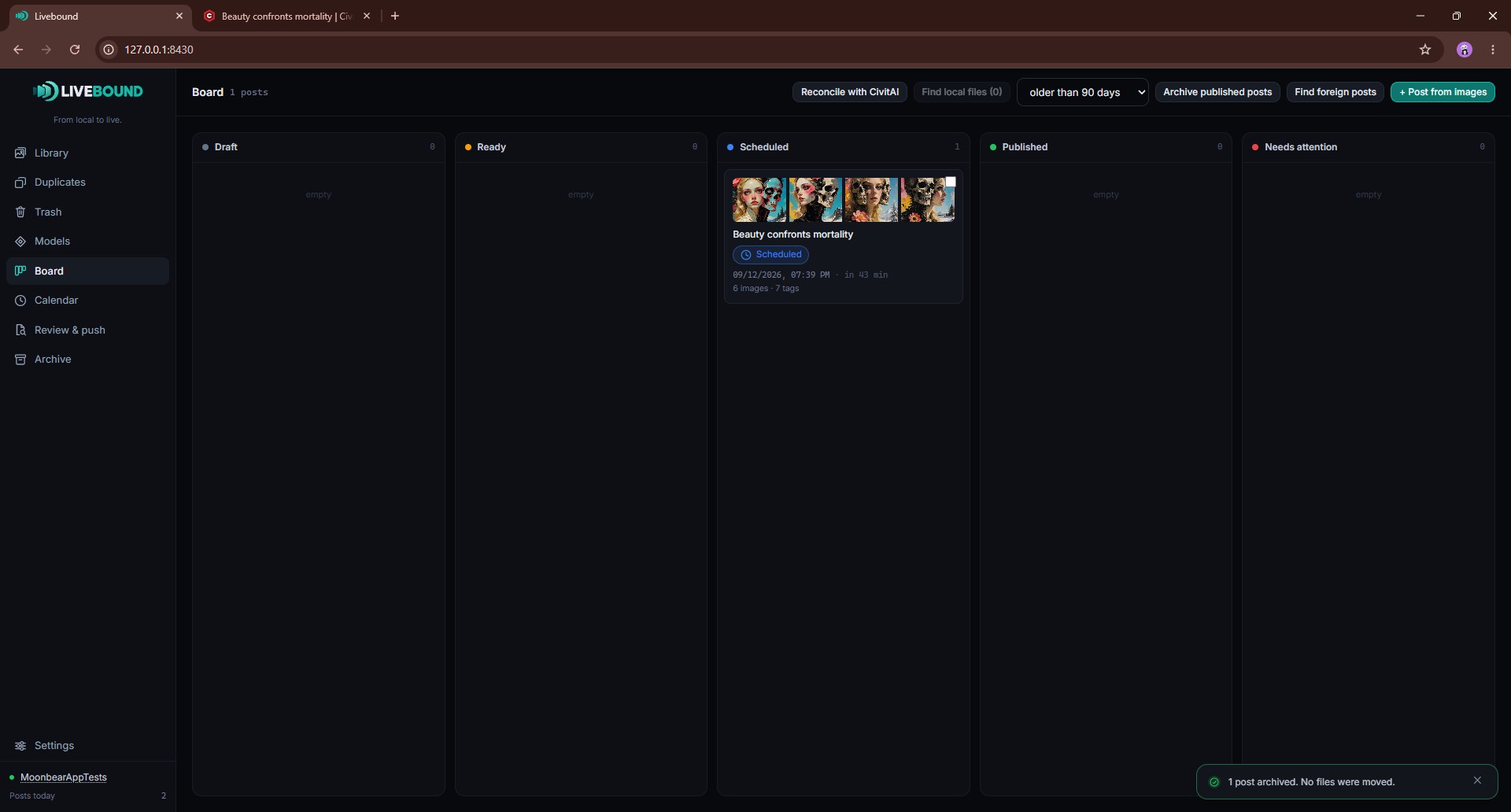
Archive a post on the Board
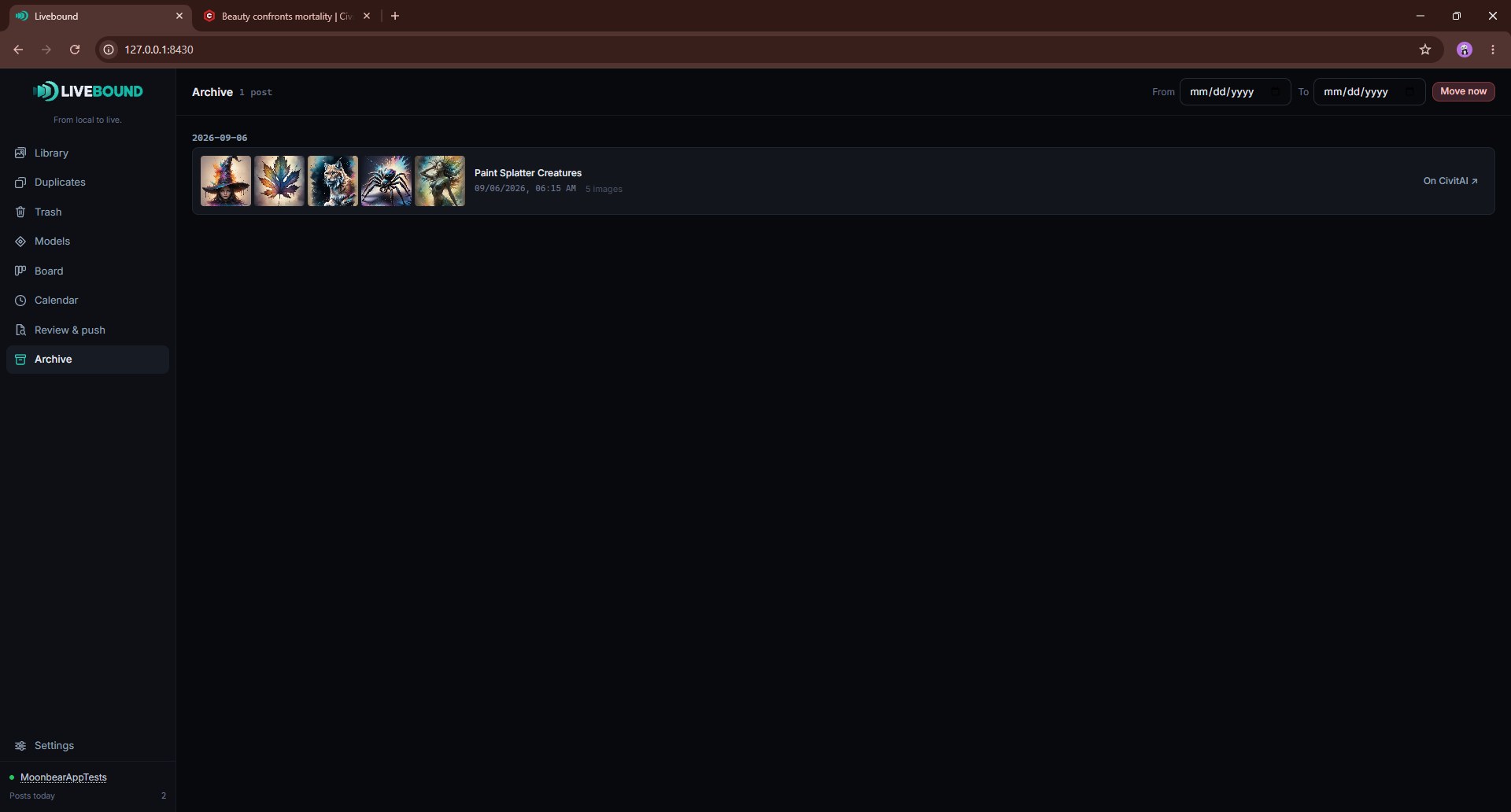
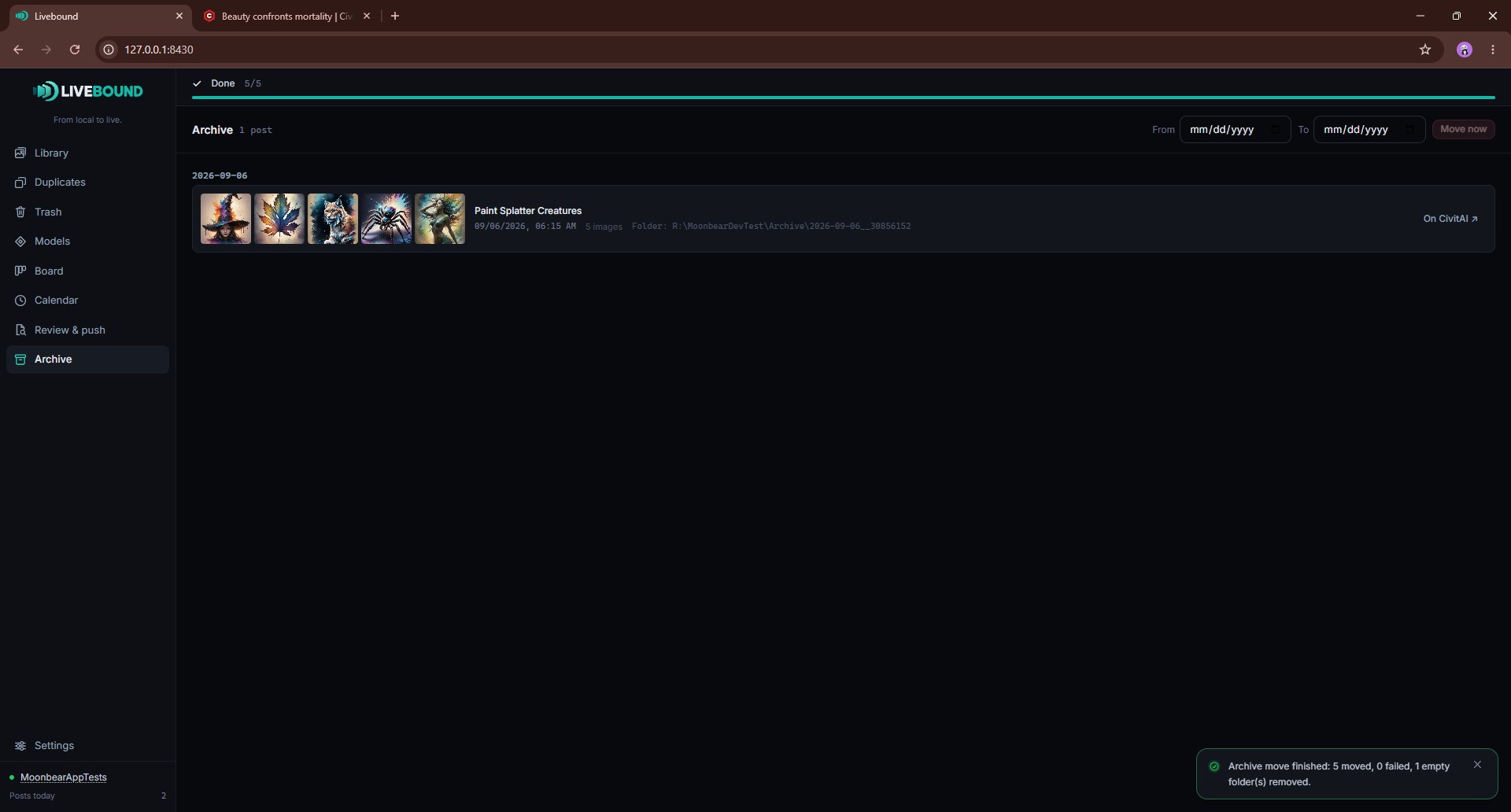
Archiving a published post removes it from the active Board workflow and places it in the Archive view.
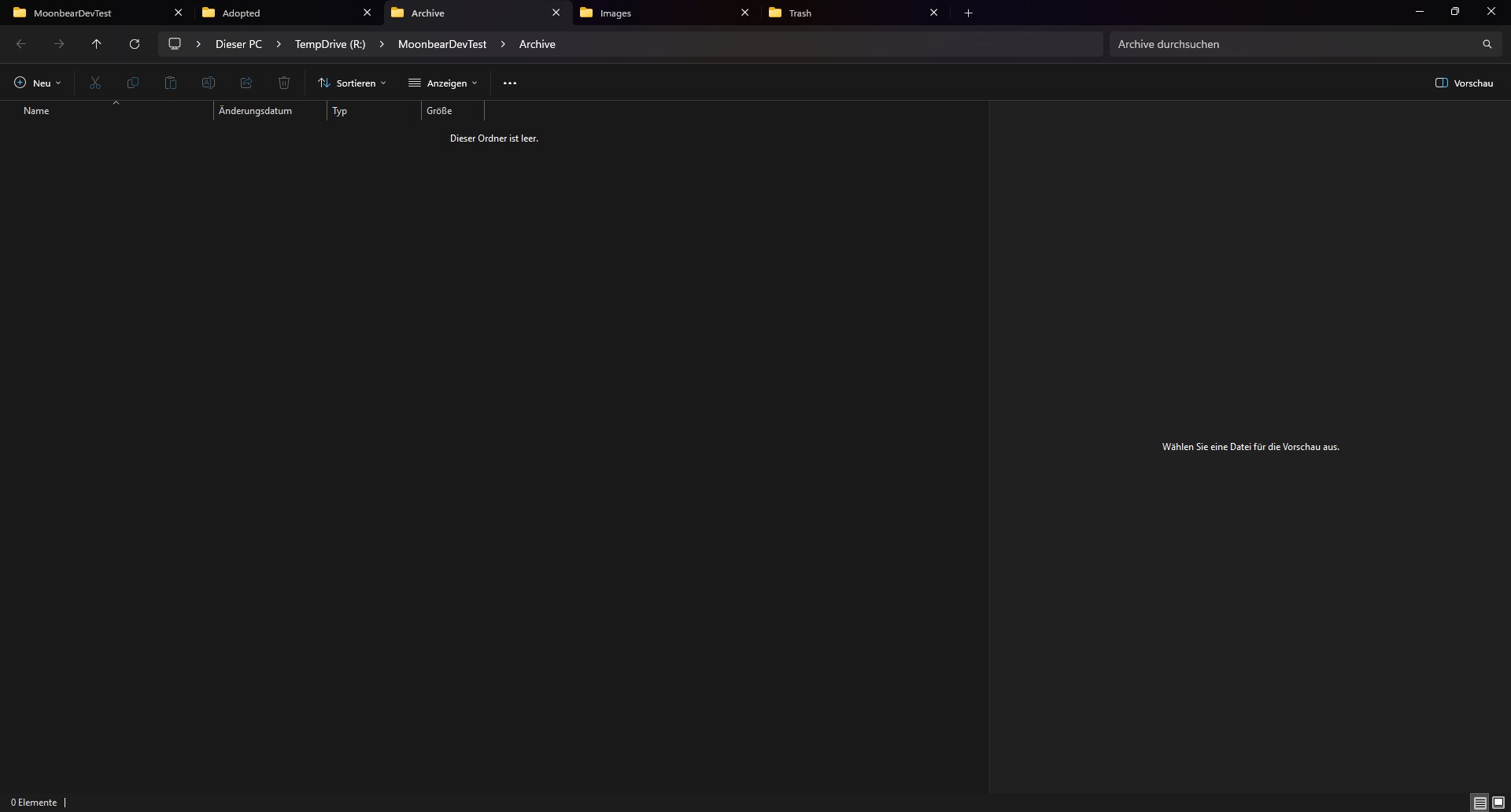
This action changes Livebound’s post state only. It does not move image files.
The Archive view keeps published history available with date filters and links back to CivitAI.
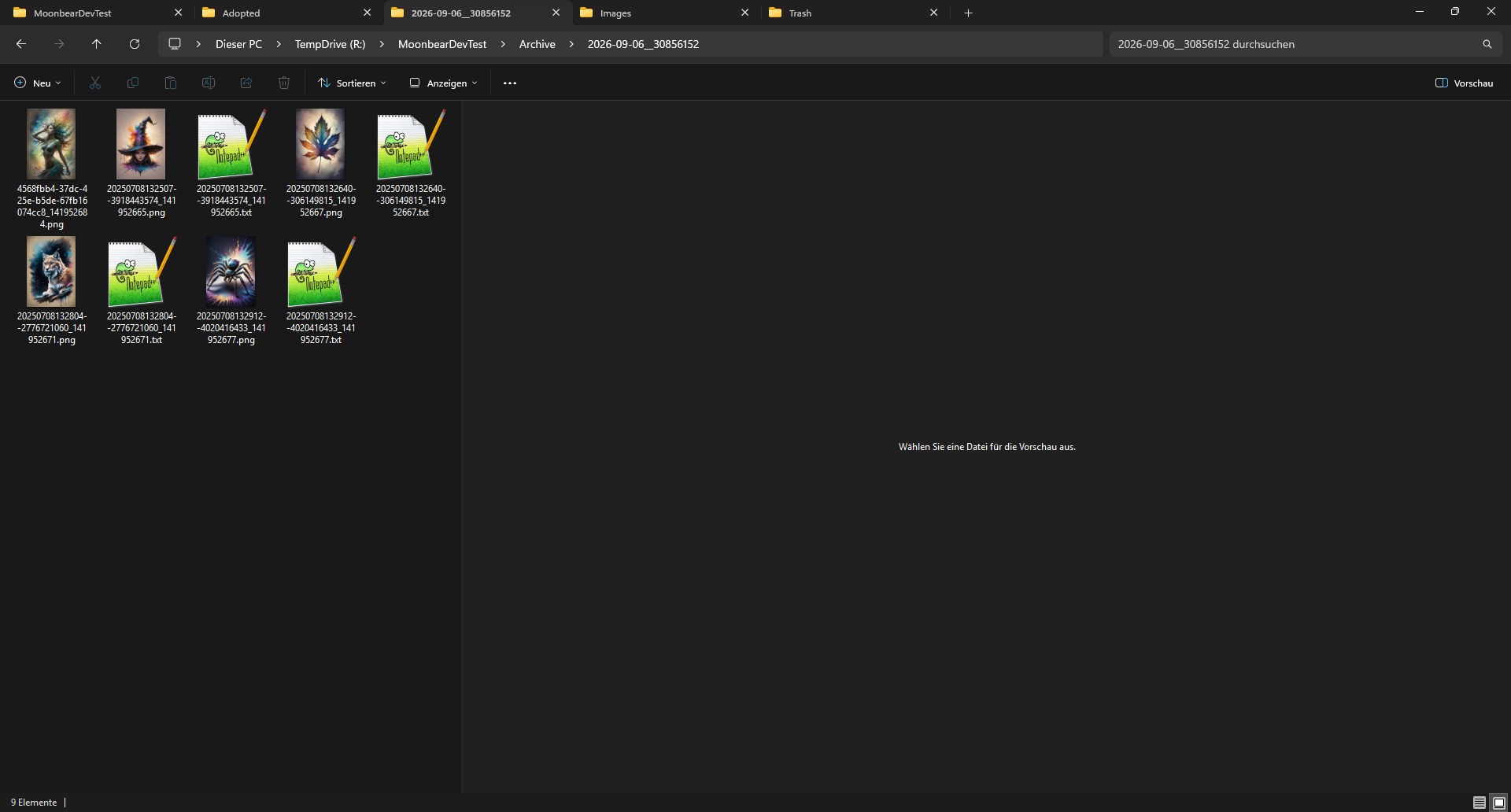
Move published files into the archive folder
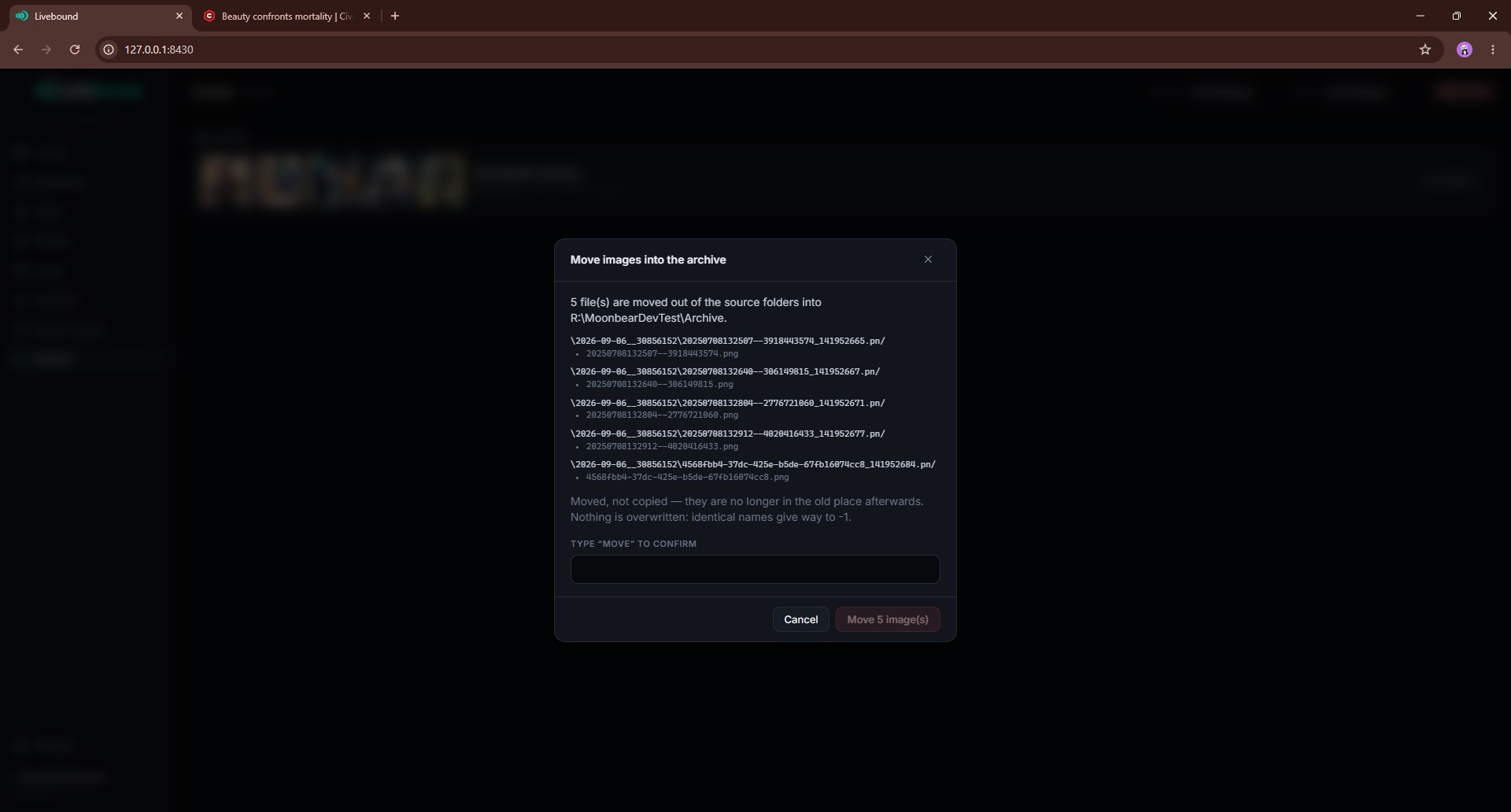
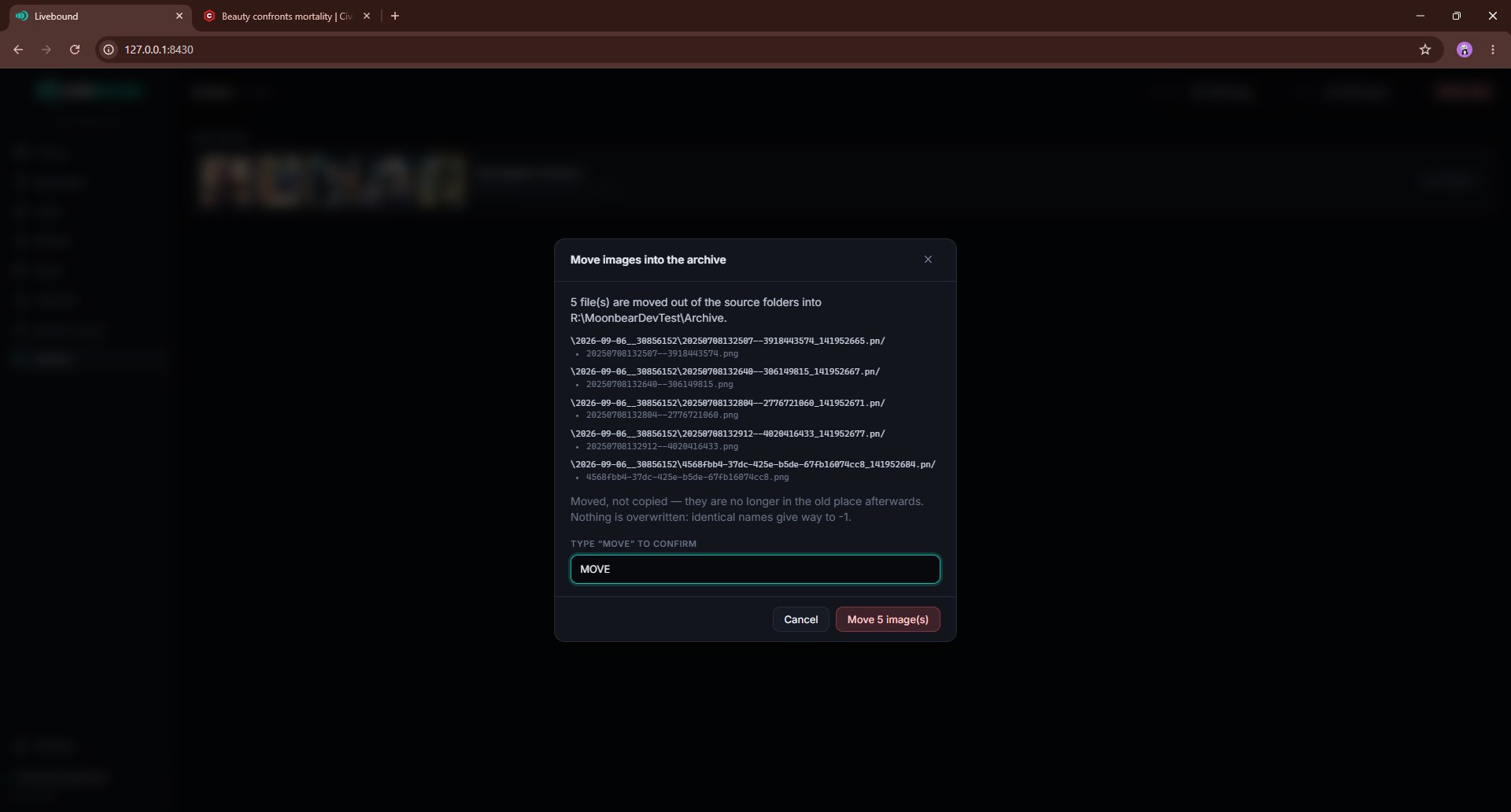
The file move is an explicit action in Settings. Livebound first shows the move plan, then moves files only after you start the operation.
Only images from posts you have already moved to Livebound’s archived post state are eligible, and the file move still requires exact publication identity rather than visual similarity alone.
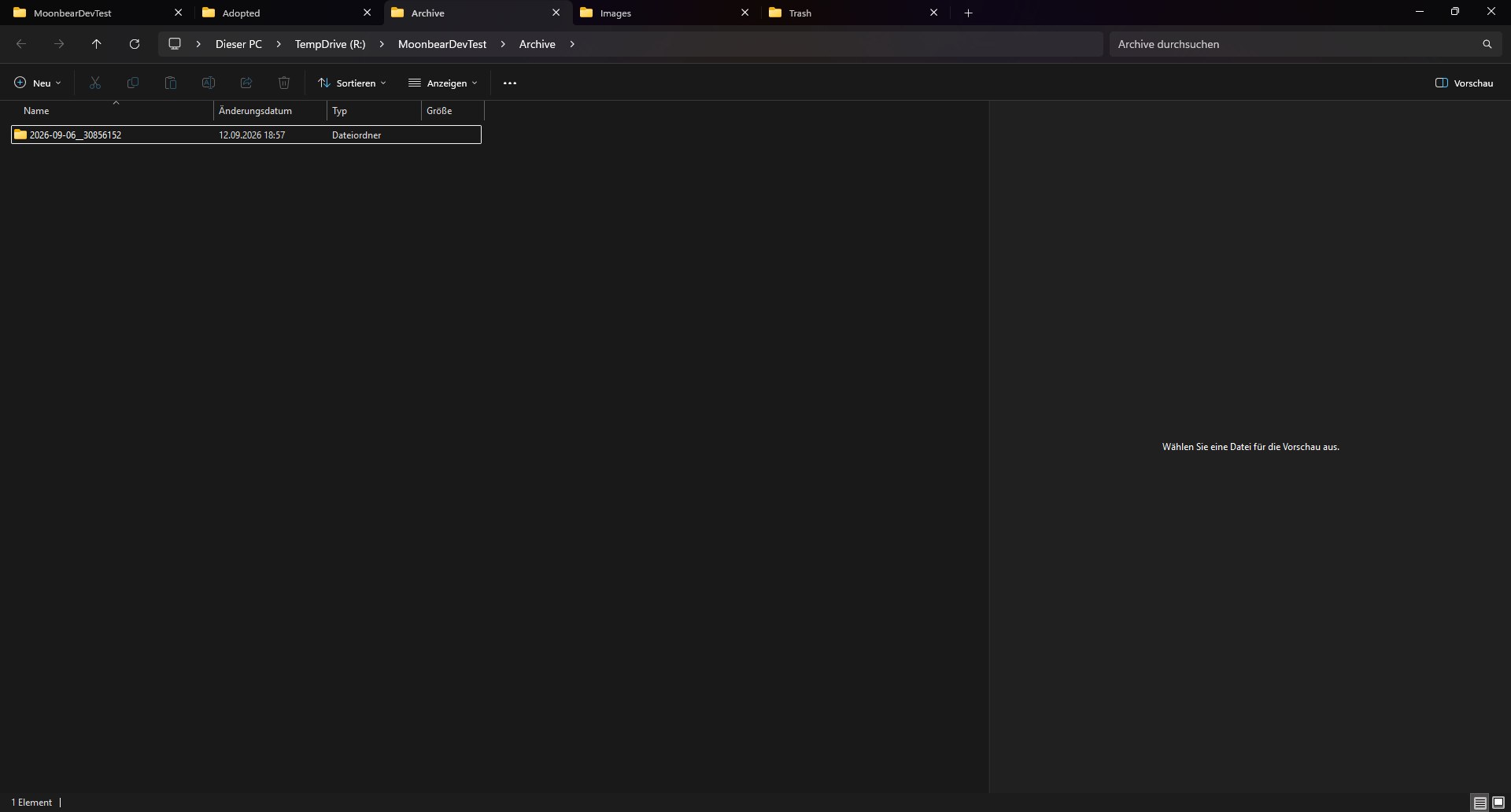
The normal folder format is:
YYYY-MM-DD__<remote_post_id>
If the publication date is not known, the post ID alone can be used until the folder can later be renamed to the dated form.
Where a remote image ID is known, Livebound can include it in the archived filename. Sidecar files move with their image where supported.
Files are moved, not copied. Name collisions do not overwrite an existing file; Livebound chooses a free name instead.
Archived folders remain part of Livebound’s view of the library. Keeping all files associated with a published post is deliberate even when several local files correspond to the same visual image.
Back up the archive itself
The database backup does not contain the image archive. Settings can create a ZIP of the archive folder separately, either as one file or split into 500 MB, 1 GB, or 4 GB parts.
The archive ZIP uses no additional compression because the image formats are already compressed.